


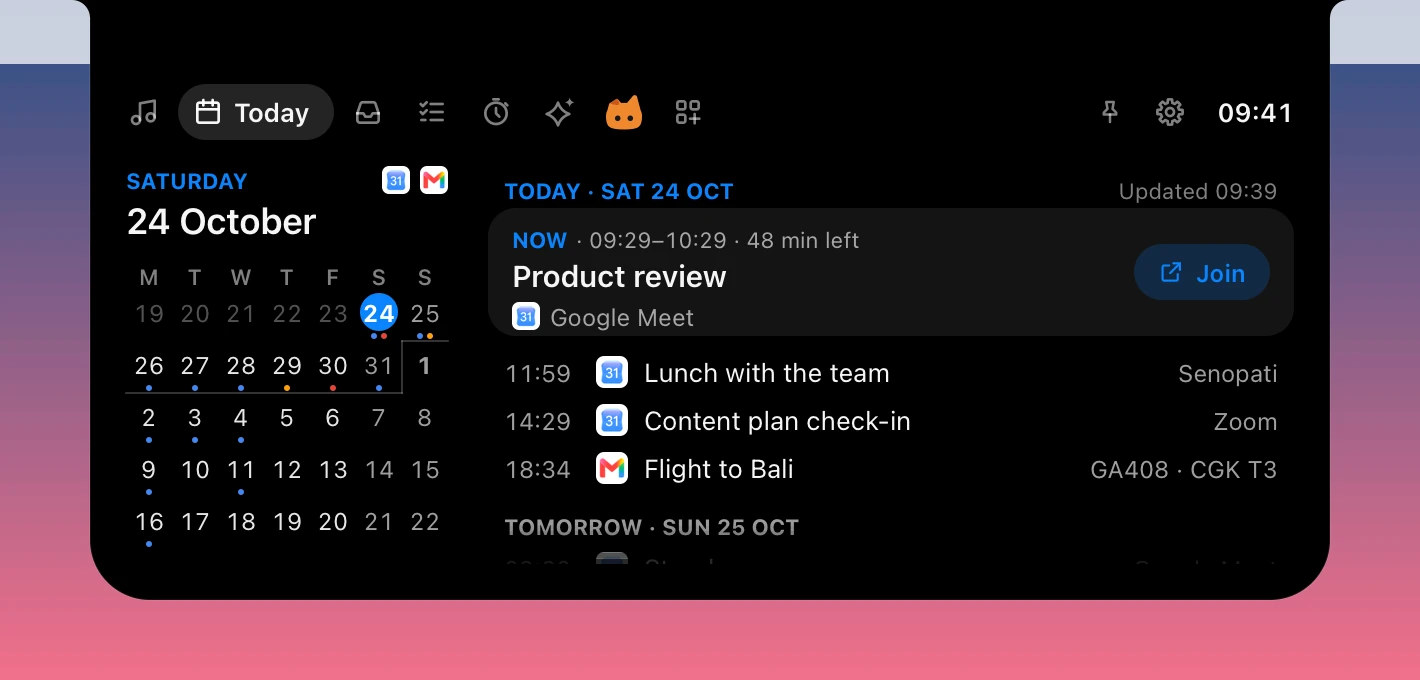
Today
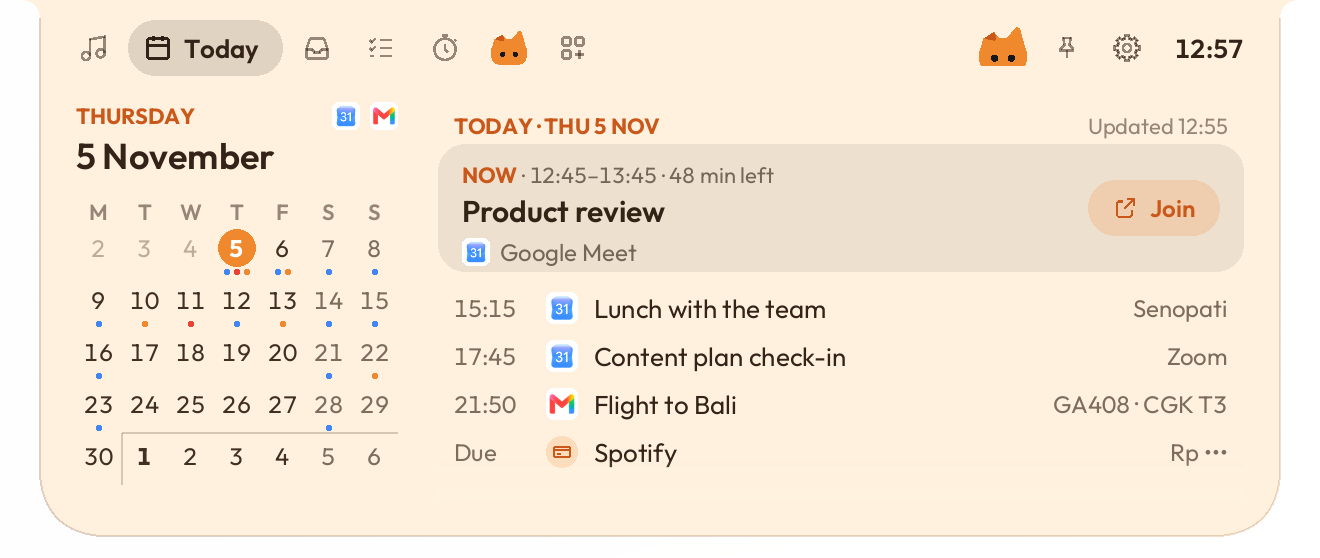
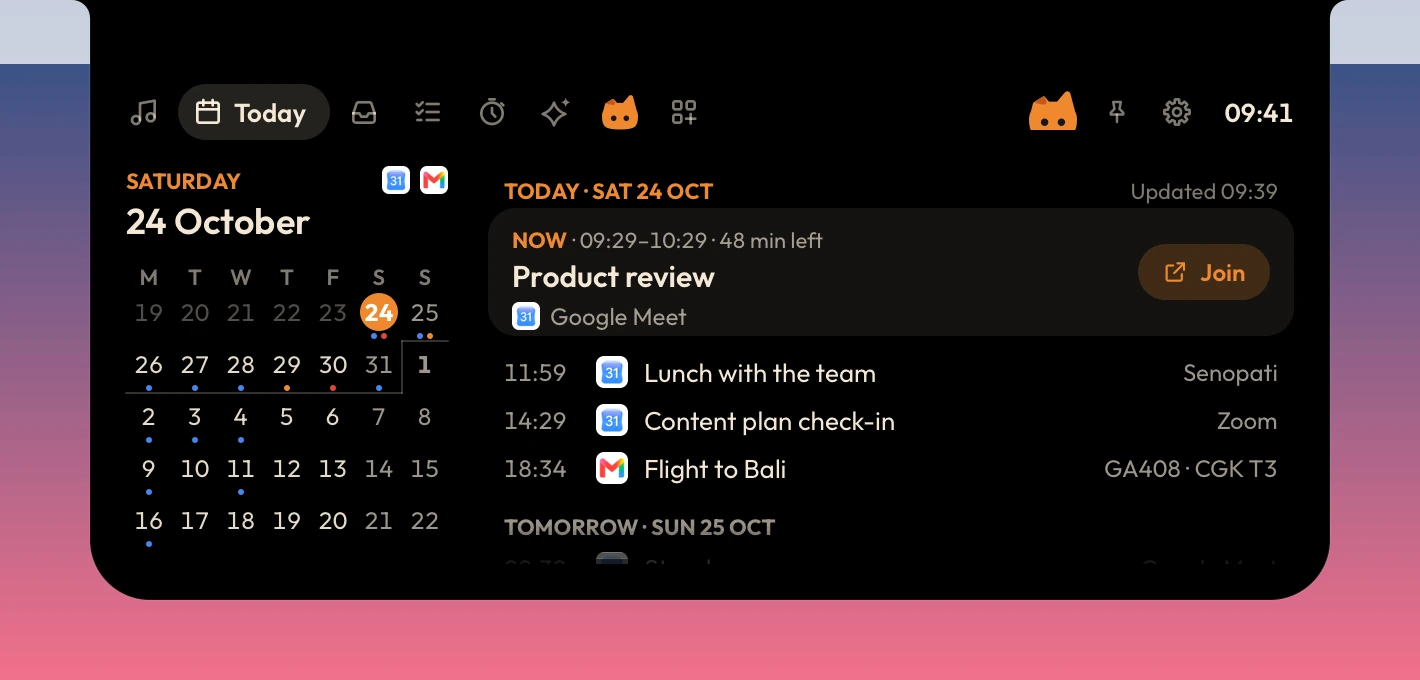
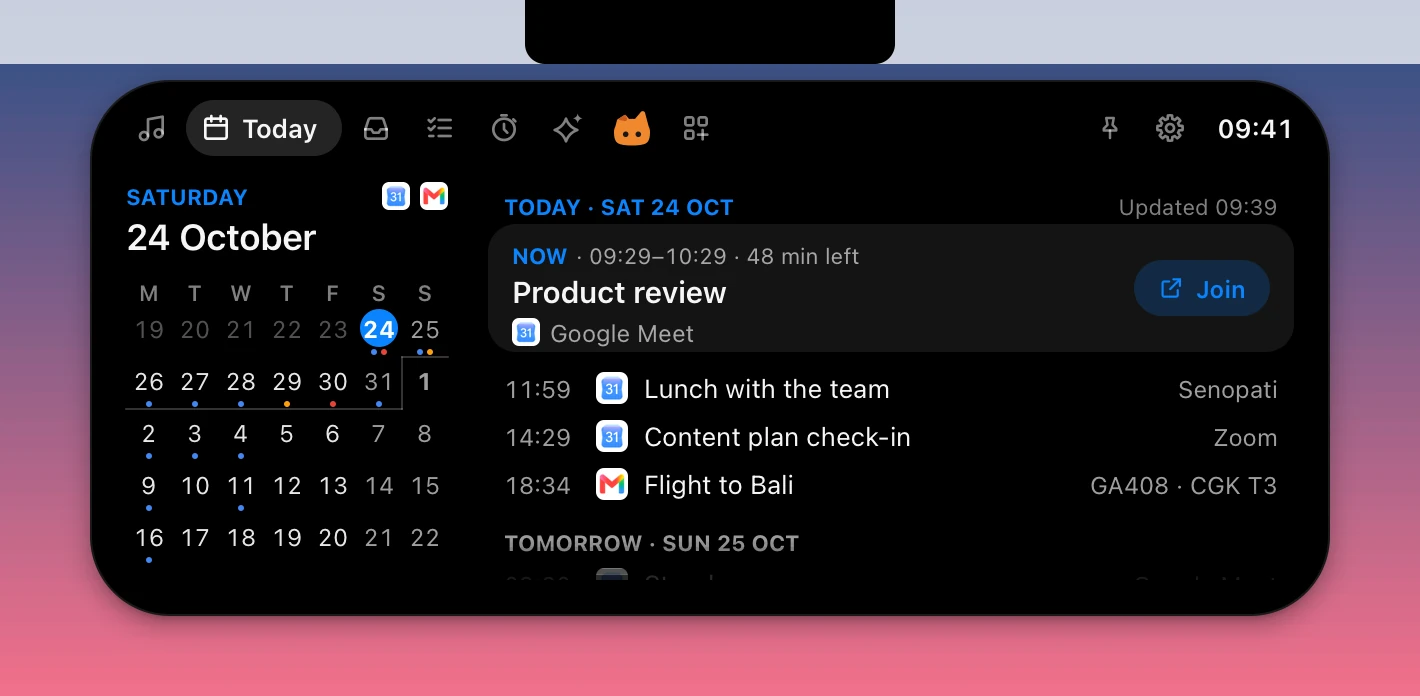
Five weeks from Google Calendar and Gmail: a dot under each day with something on, and your schedule from now, with Join for the meeting on now.




A living notch.
New in 0.2.30: Caffeine. Add what you drink, and see your last call for coffee.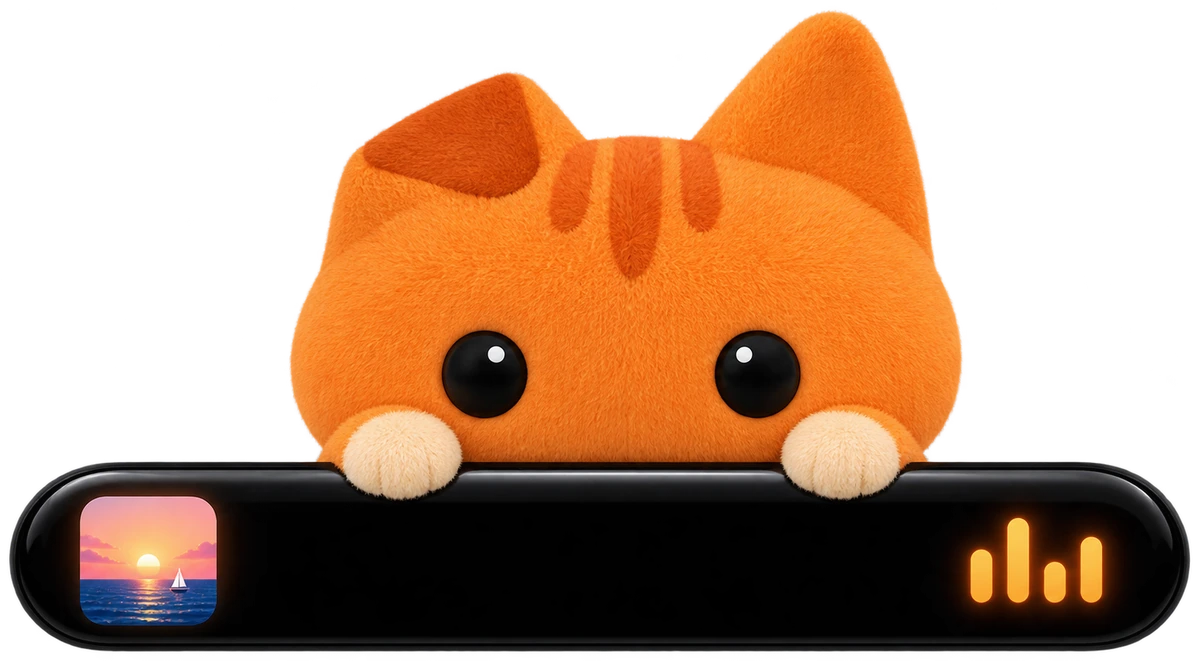
A small island hangs from the top of your screen. It shows what's happening and opens into quick pages when you point at it.
Caffeine, until bedtime
Add what you drink, by its shots or by the cup, and see how much caffeine is still in you, hour by hour. Last call is the latest your usual coffee can go in and be mostly gone by bedtime, and the island reminds you before it.
Kemenag or Muhammadiyah
Prayer times can follow Muhammadiyah now: Majelis Tarjih's times and the Kalender Hijriah Global Tunggal (KHGT). Today's Hijri date shows above the arc, by the calendar you pick. Kemenag stays the default.
Diorama, a fifth look
The resting pill becomes a small window onto a pixel-art place: a house, a tree and a sky that follows your clock, from dawn through the golden hour to the stars. At sunset a glass ball rolls across, and night falls behind it. On Windows and Mac.
See what Pro brings
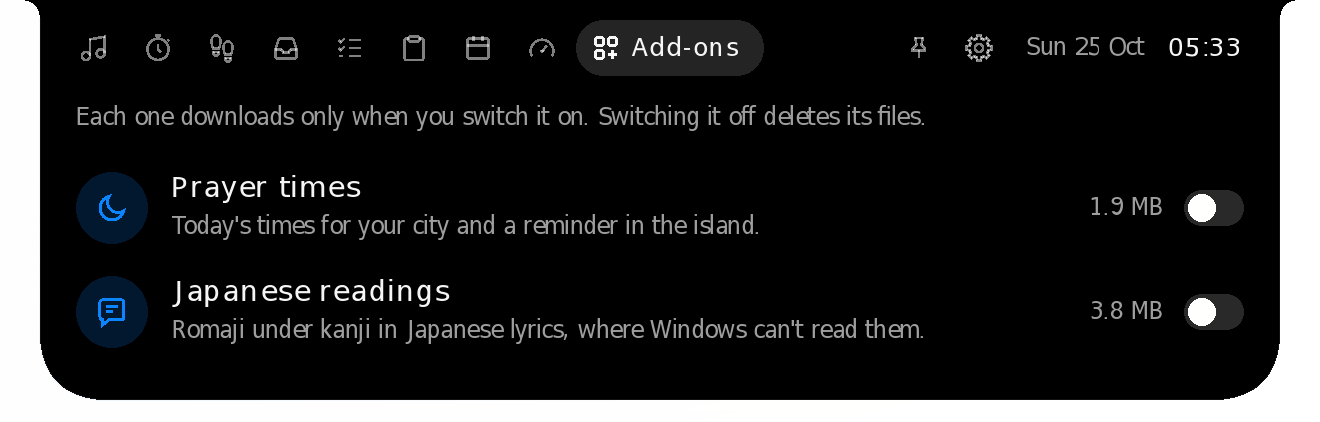
The Add-ons tab lists every Pro feature now, and a click says what it does. AI usage is part of Studio Pro from this version, next to Meeting notes, the IELTS coach and the Downloader.
Slide the glass ball
Press Diorama's glass ball and slide it, like a day and night switch: the place runs on with it, through the golden hour and the sunset into the night. The pill is as long as a notch now, and the whole island wears its frame, cream by day and indigo at night.
Script reader: a teleprompter under your webcam, a line at a time.


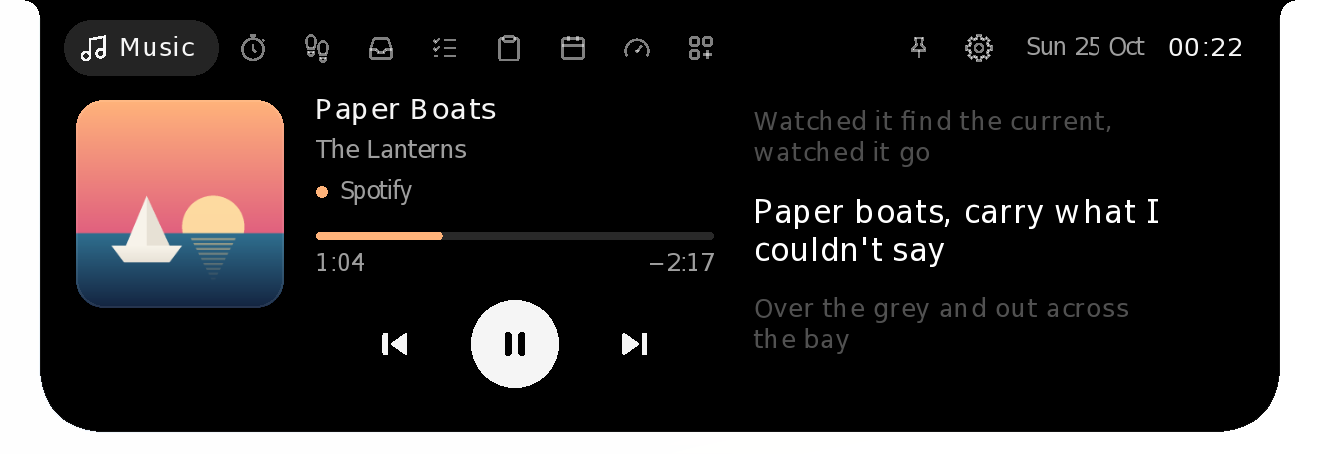
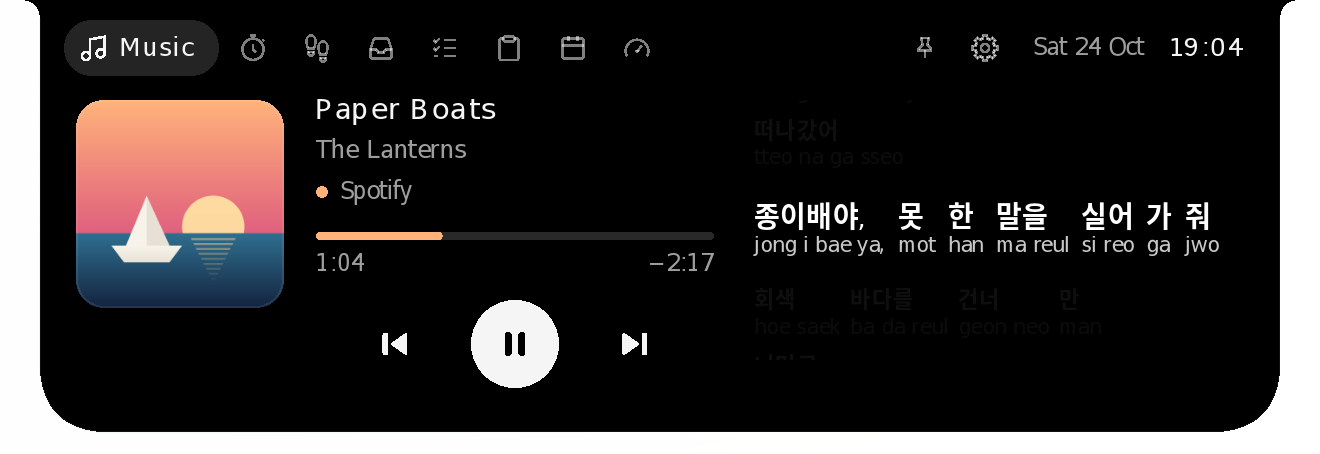
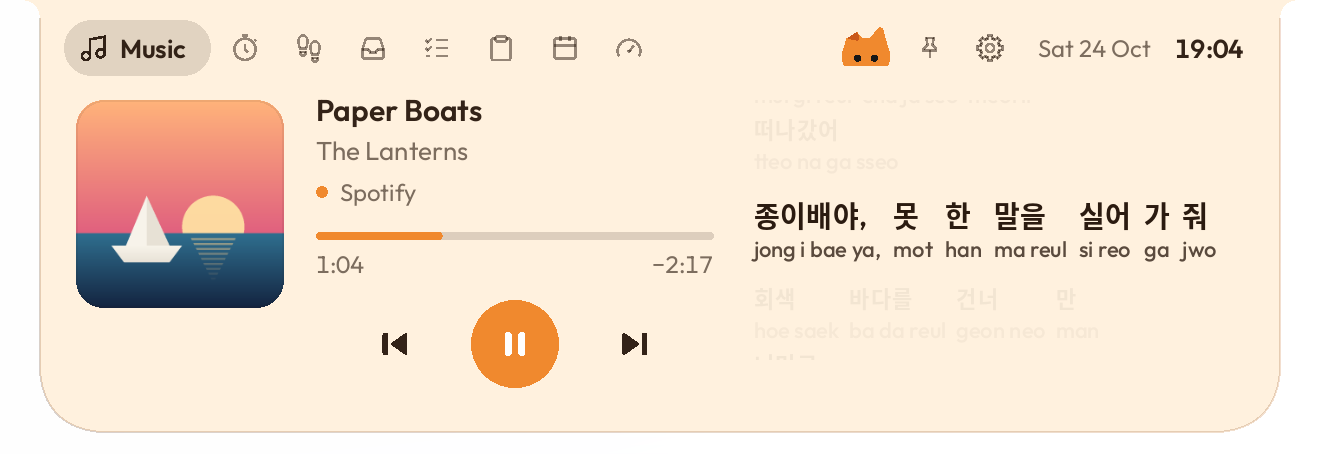
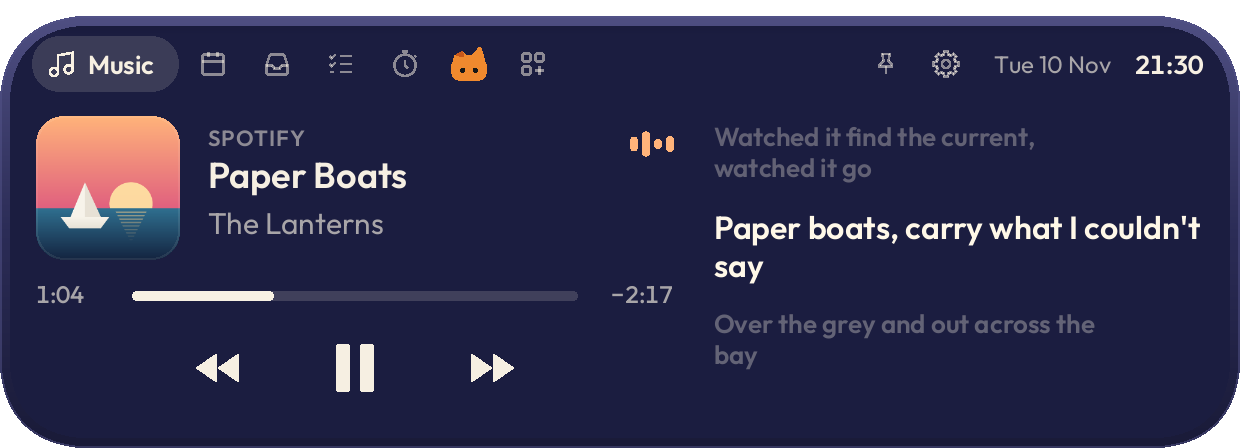
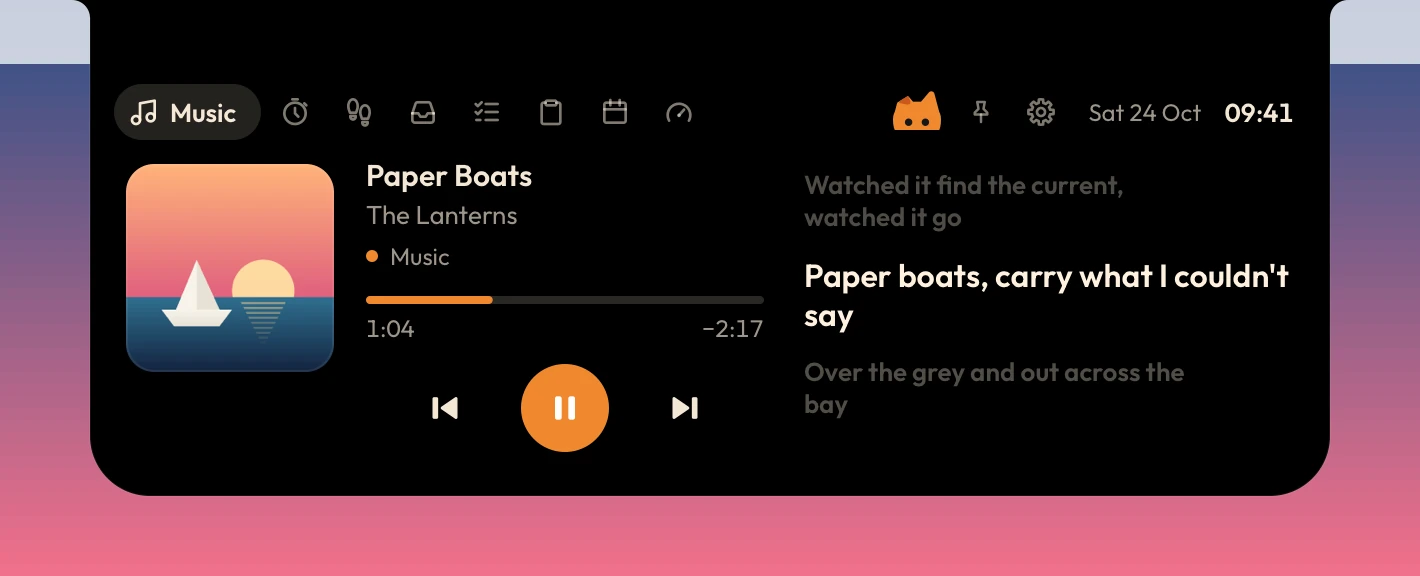
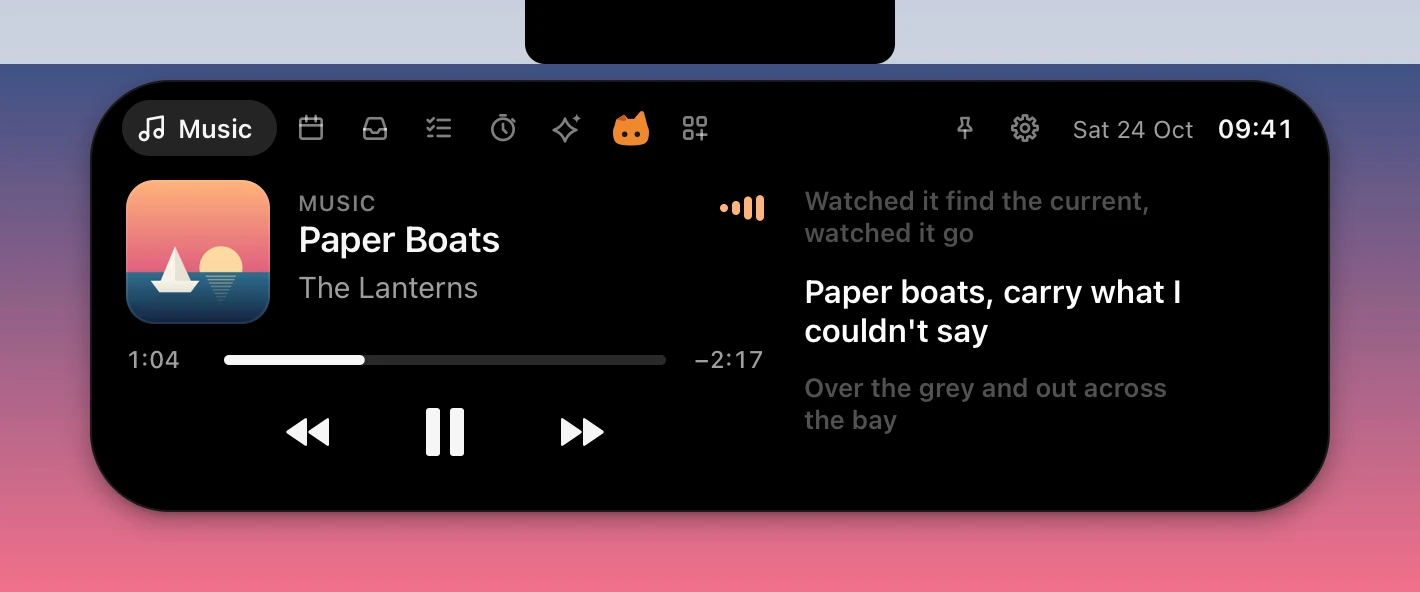
Lyrics scroll in time with whatever is playing: Spotify, Apple Music or YouTube.
Korean, Japanese and Chinese lines show each word's reading underneath.
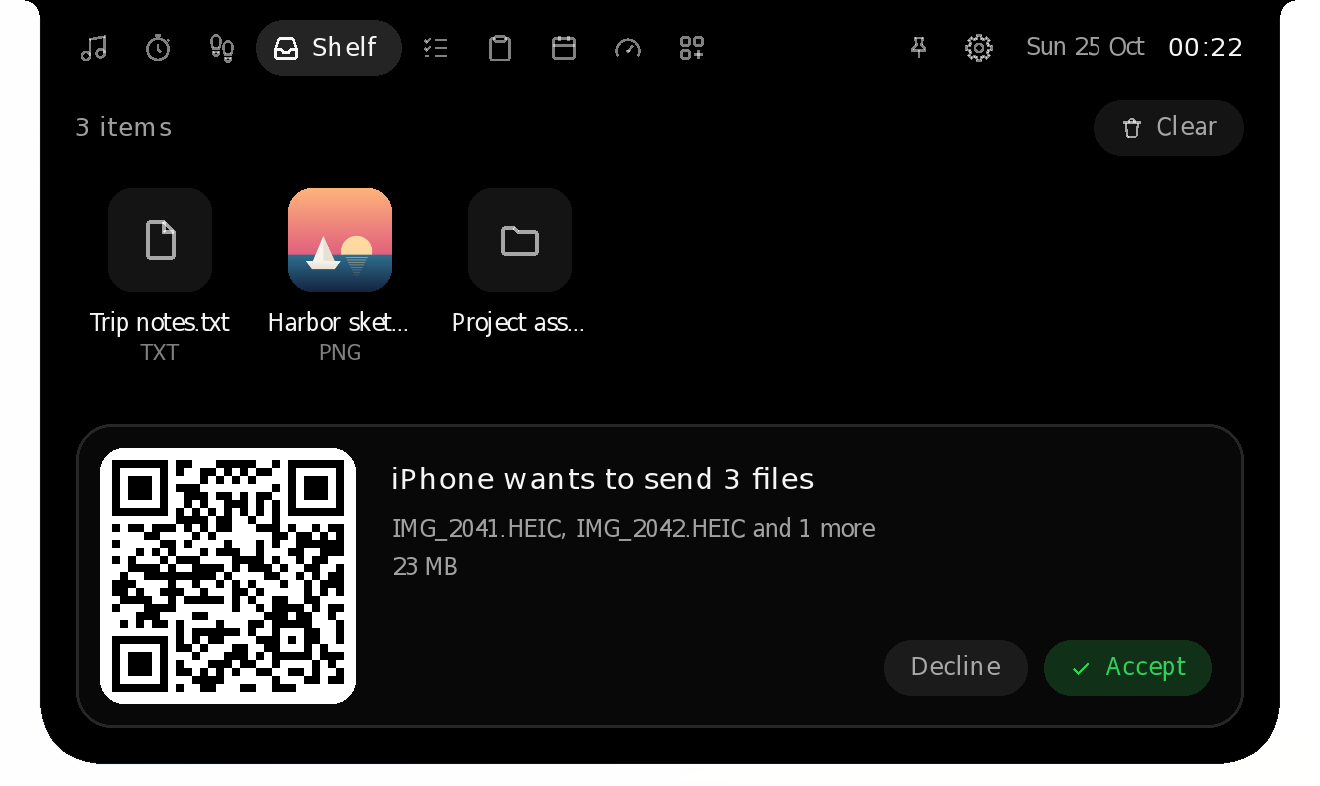
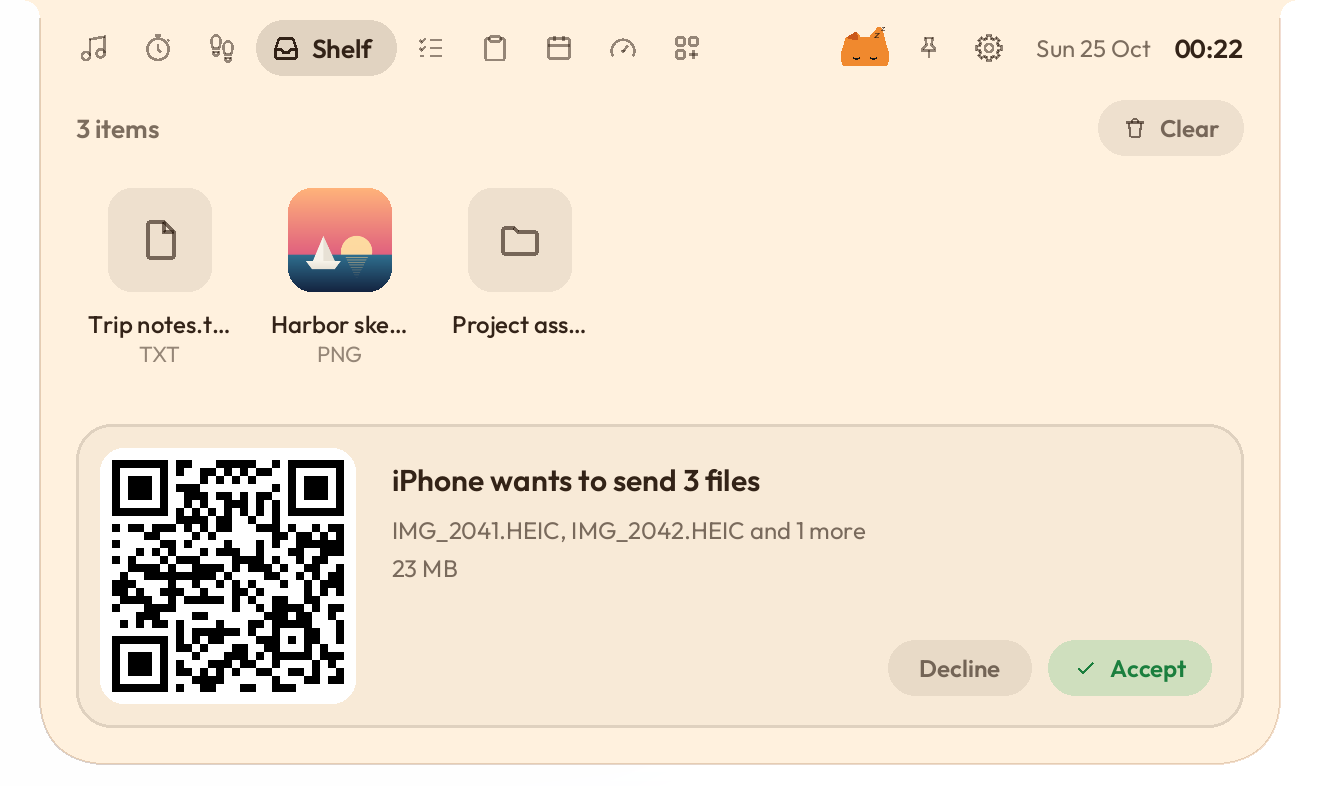
Send photos and files from your phone straight onto the Shelf.
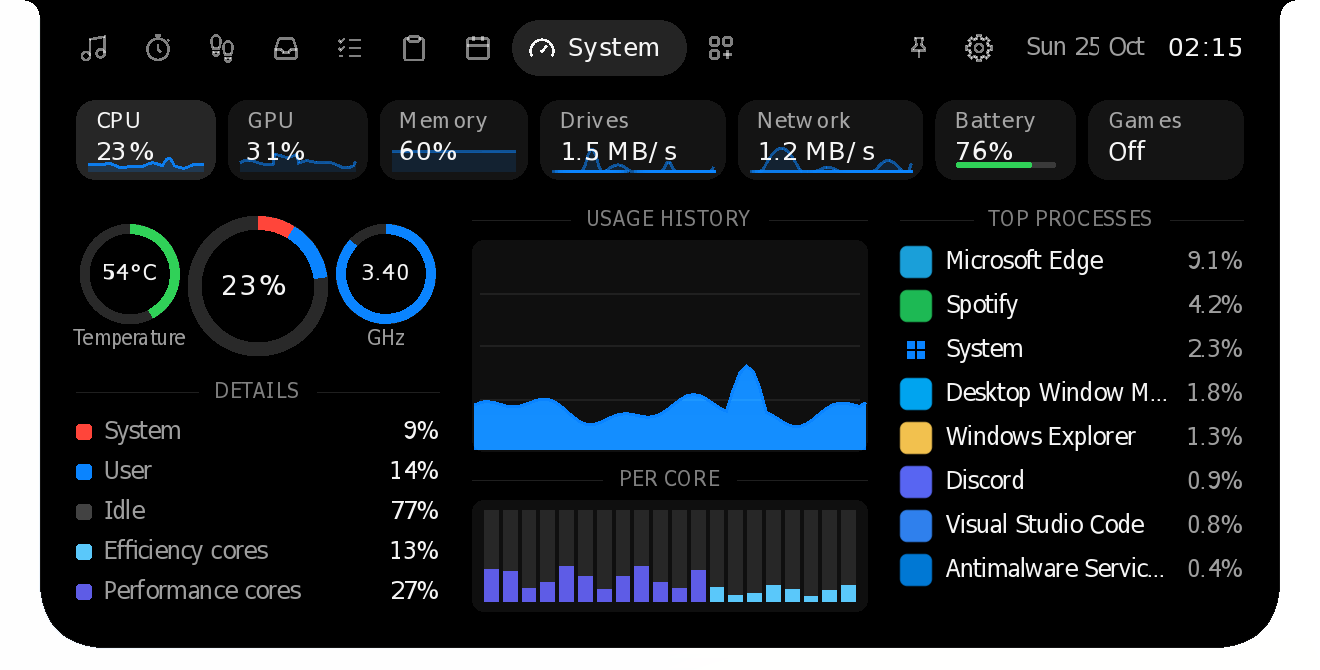
CPU, GPU, memory, drives, network and battery, at a glance.
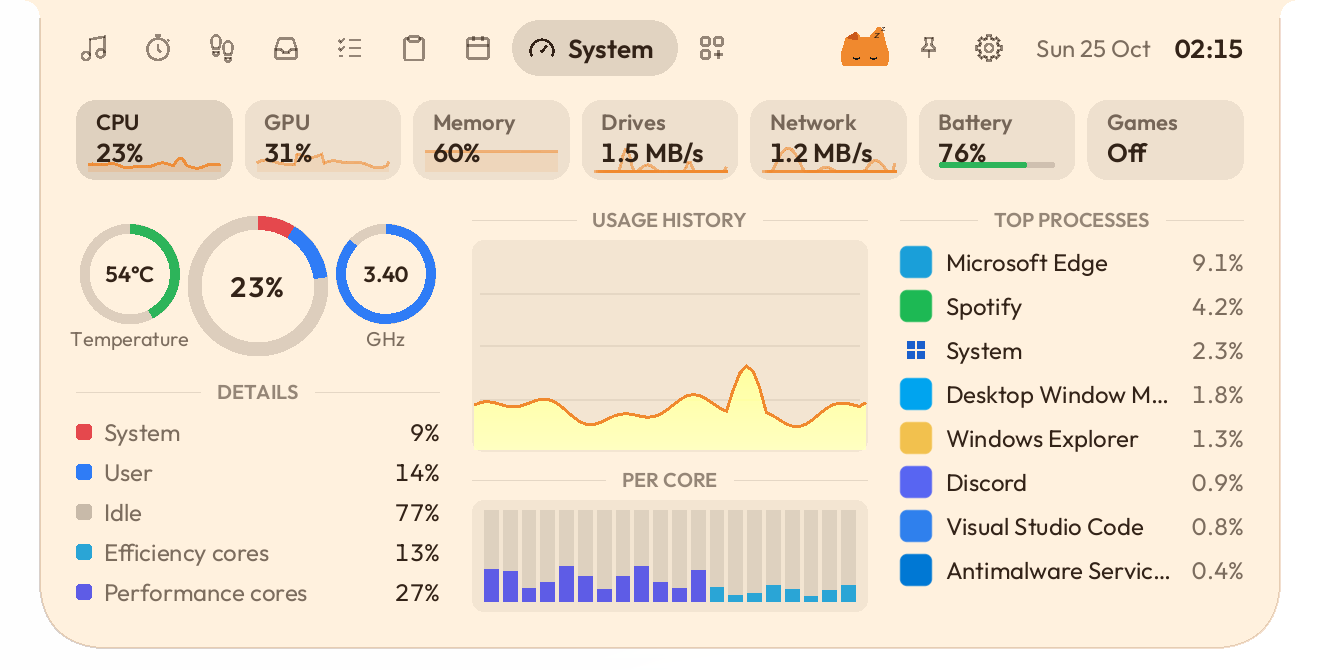
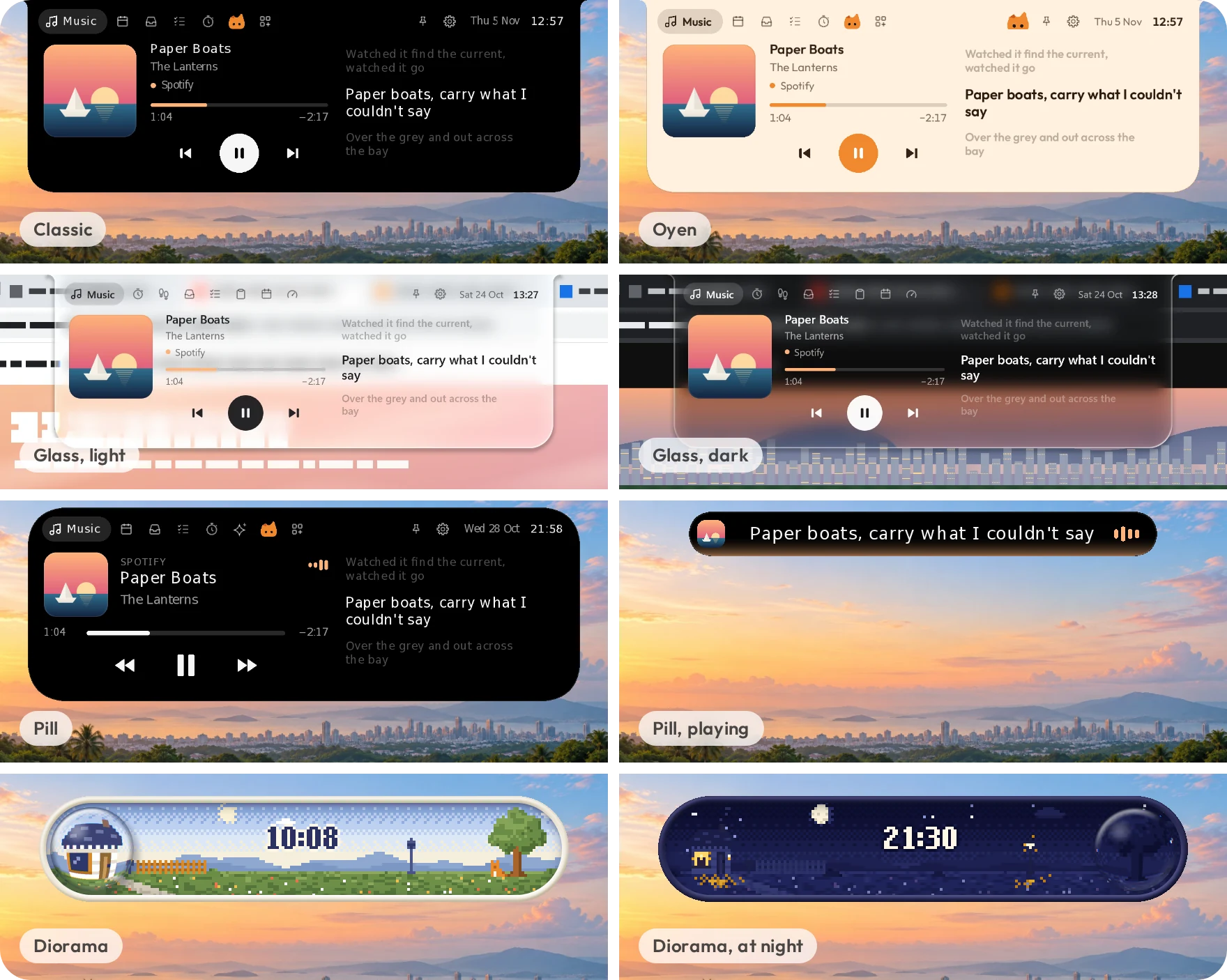
Five looks: Classic, Oyen, Glass, Pill and Diorama.
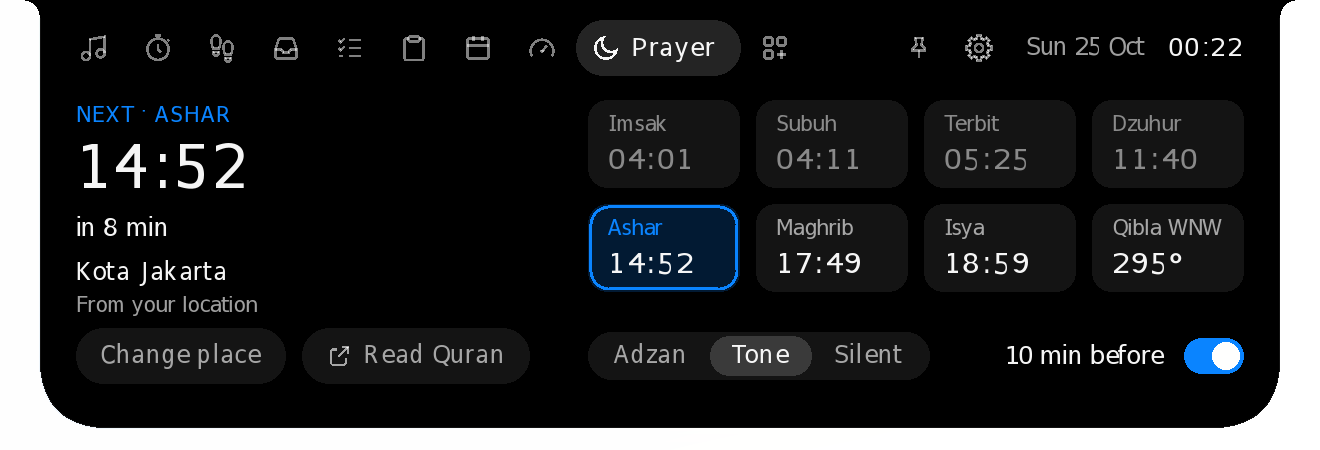
Prayer times for your kab/kota, or any city in the world.
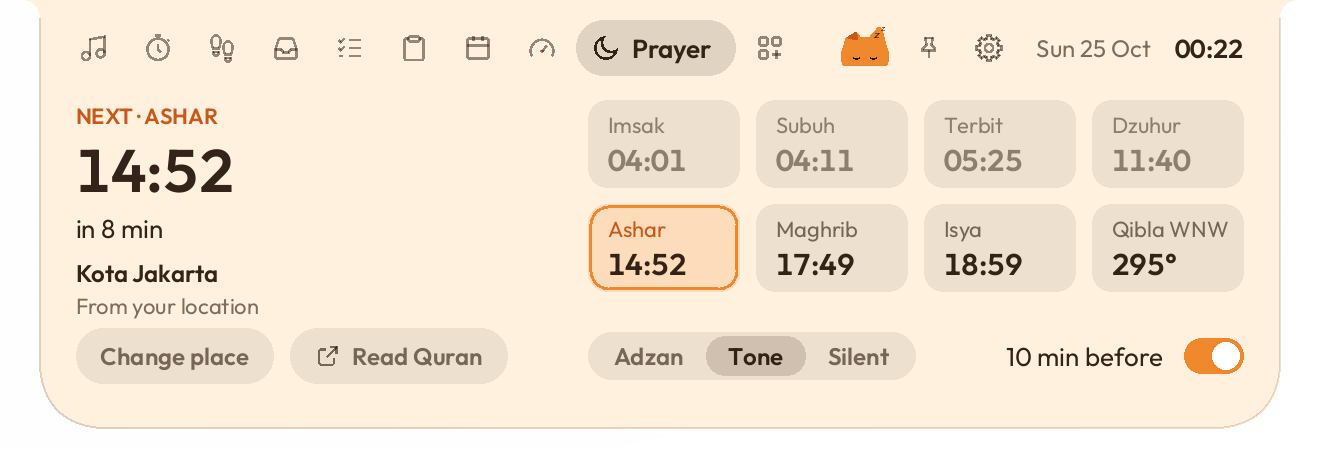
FPS, GPU and CPU, right over your games.
While it rests
Album art and a beat. The title peeks in when the song changes.
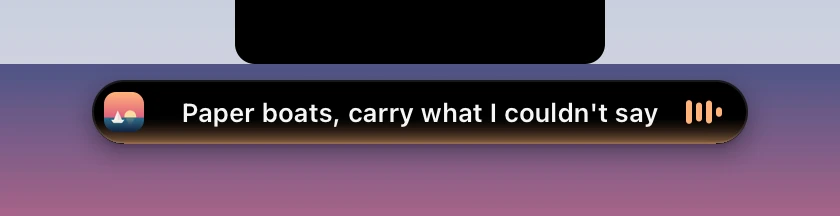
The island sings along in every look, with the reading under Japanese, Korean and Chinese lines.
The countdown keeps going while you work.
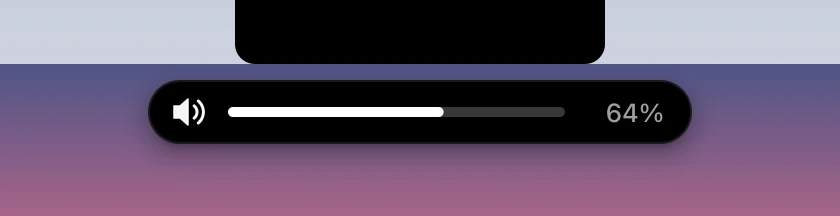
A clean pop-up when you change the volume or plug in.
Bluetooth headsets say hello, with their battery level.
The ten minutes before each prayer, with the add-on. OK puts it away until the prayer.
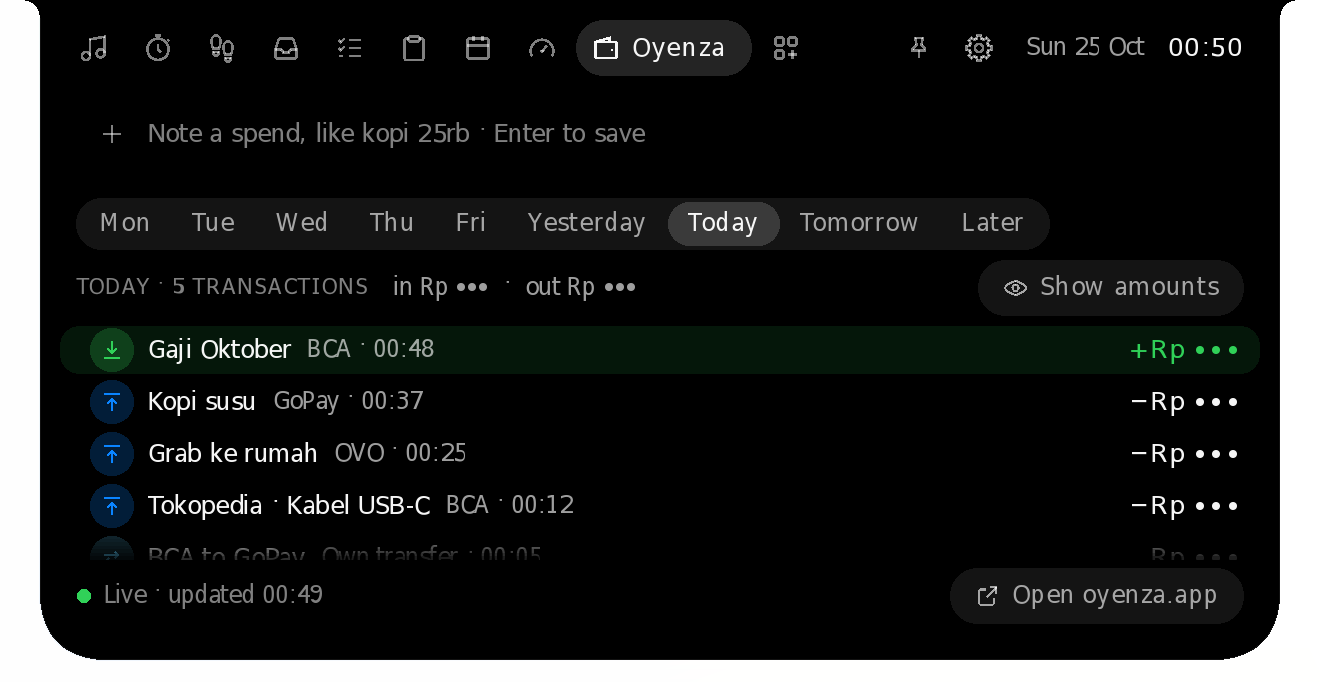
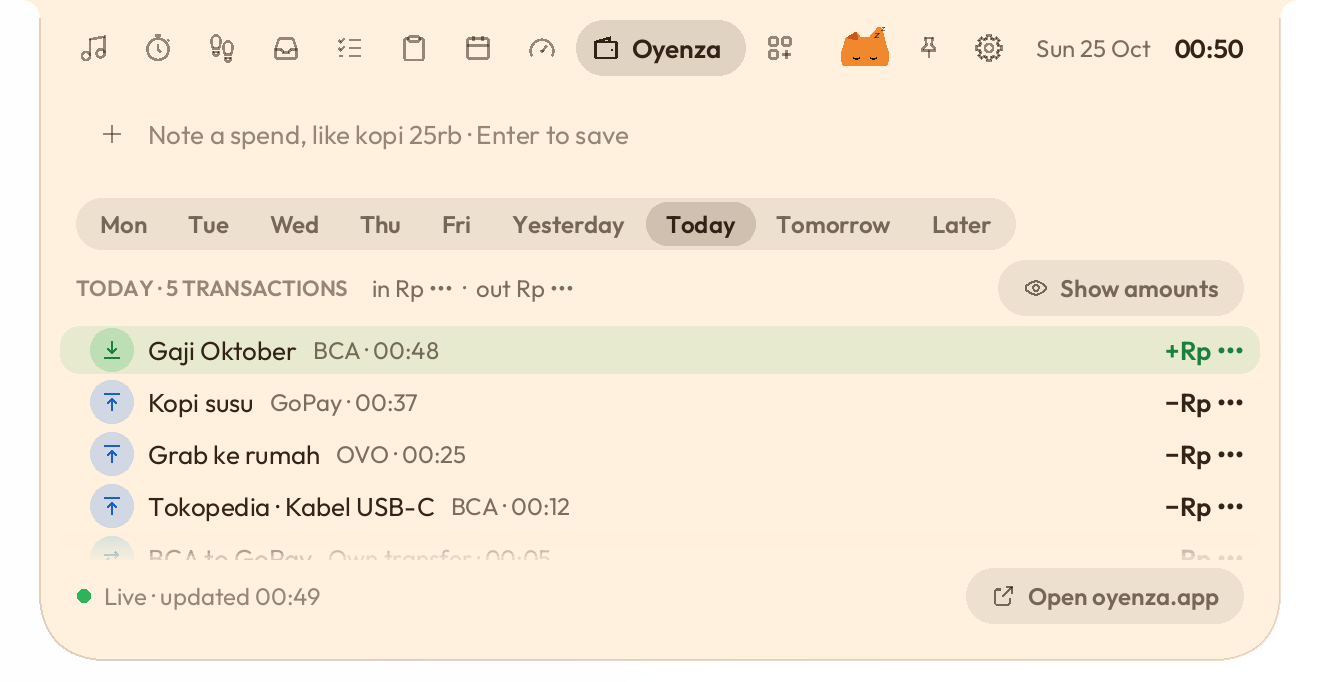
With Oyenza. The amount stays hidden until you click Show.
A clock, a pair of eyes, or nothing until you point.














Point at the island and it opens. Move away and it closes.
Music
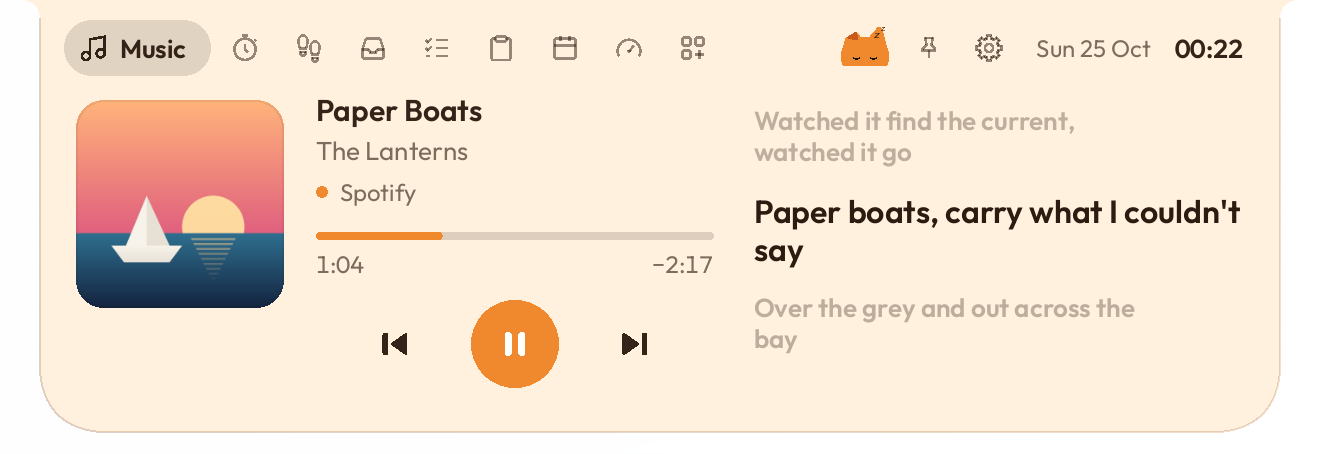
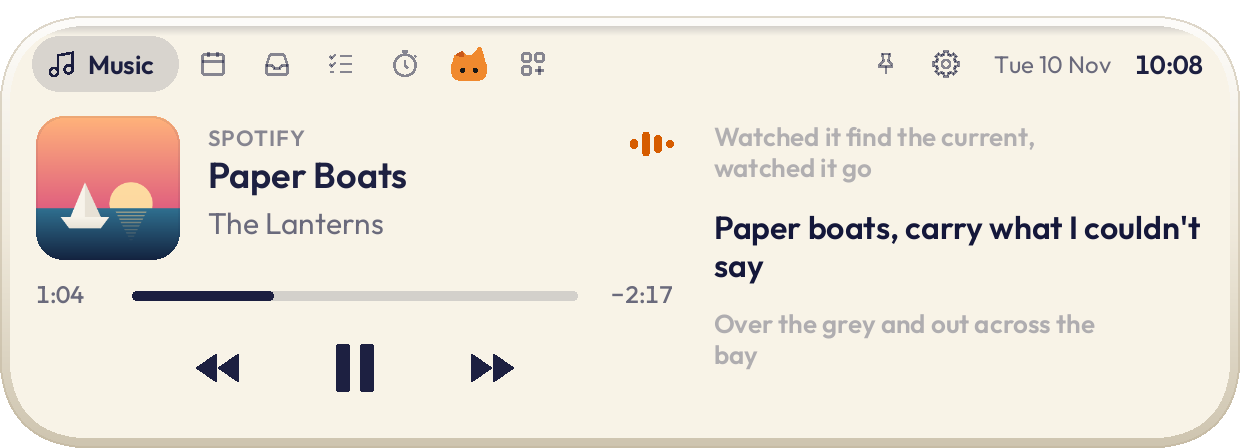
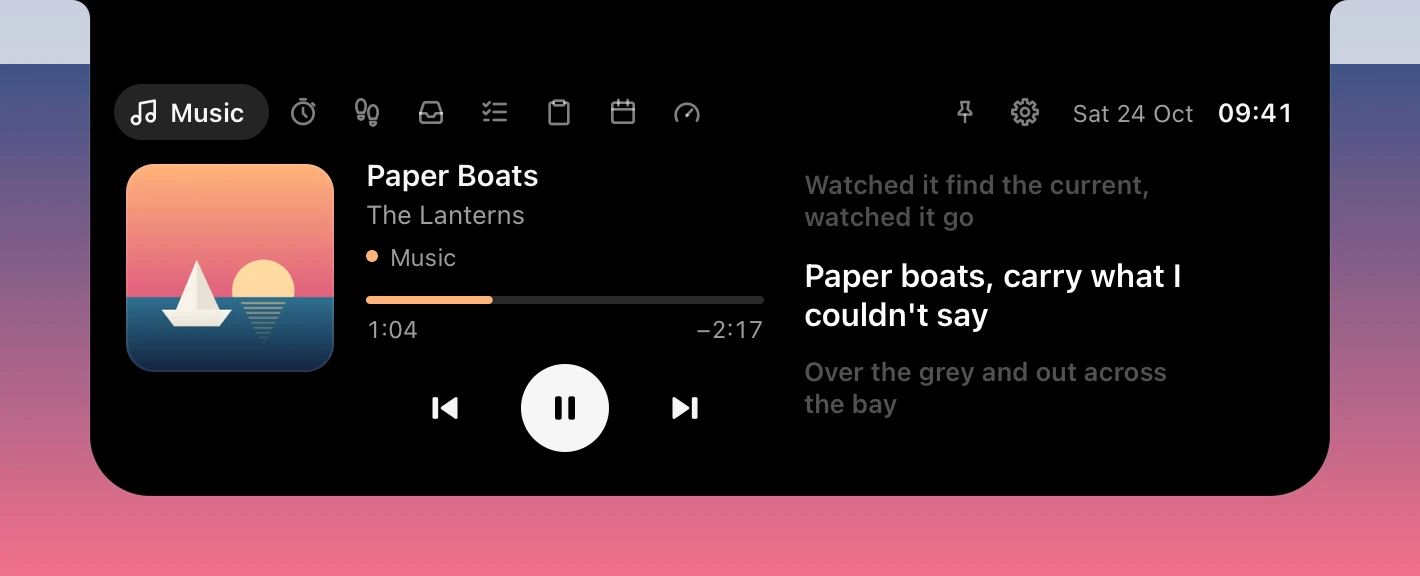
Lyrics scroll in time with Spotify, Apple Music, YouTube or any app in Windows' media controls or the Mac's Now Playing.

Read along
Korean, Japanese and Chinese lines get syllables, romaji or pinyin, set small under each word. New in 0.2.3: on the closed island too.
Five weeks from Google Calendar and Gmail: a dot under each day with something on, and your schedule from now, with Join for the meeting on now.
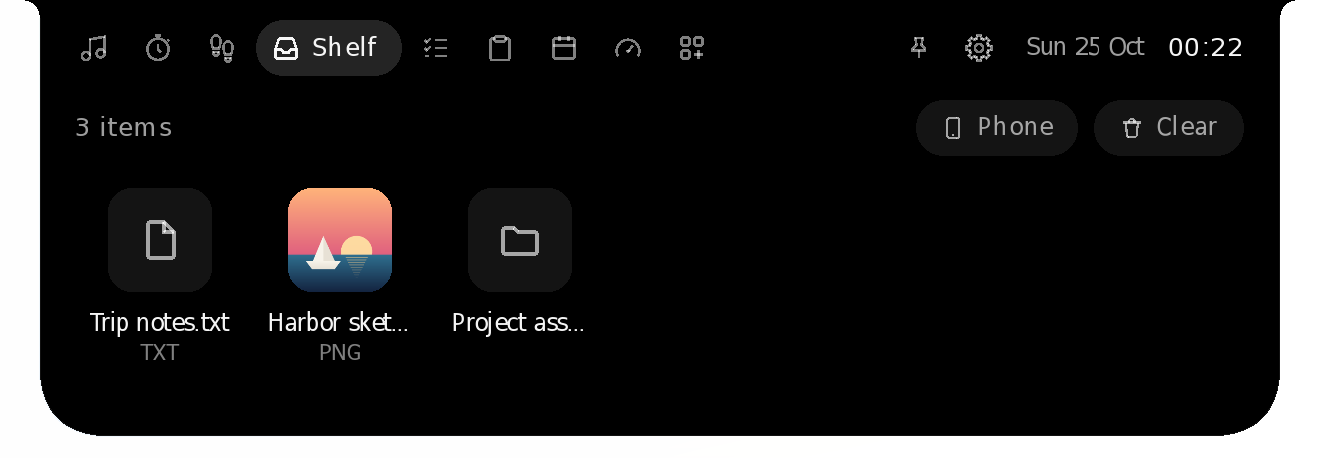
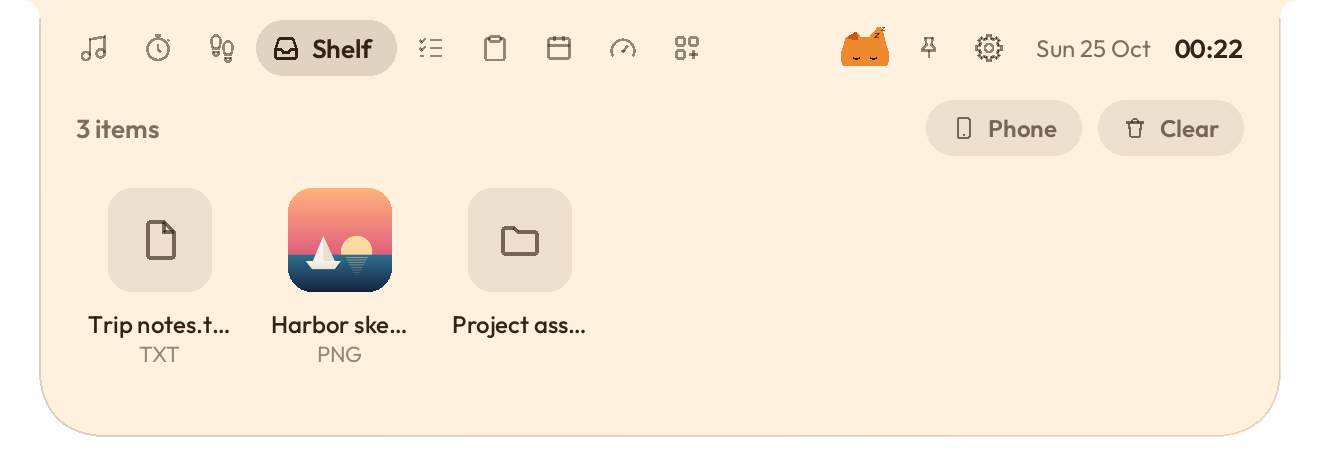
Drop files on the island, or send them from your phone.

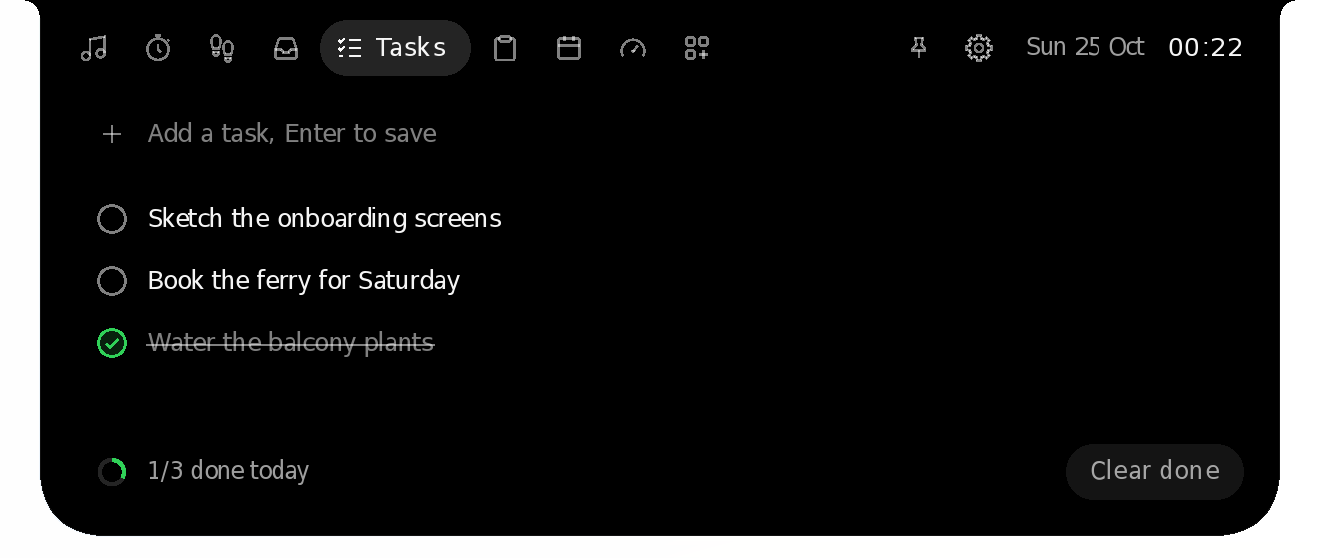
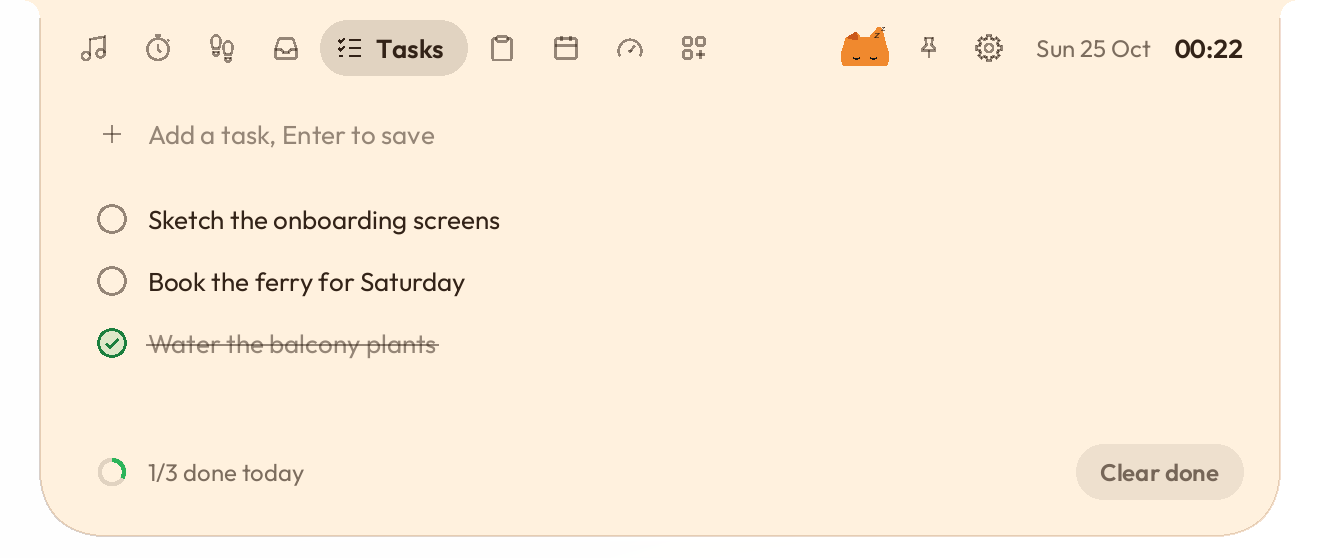
A tiny to-do list for what you'd otherwise forget.

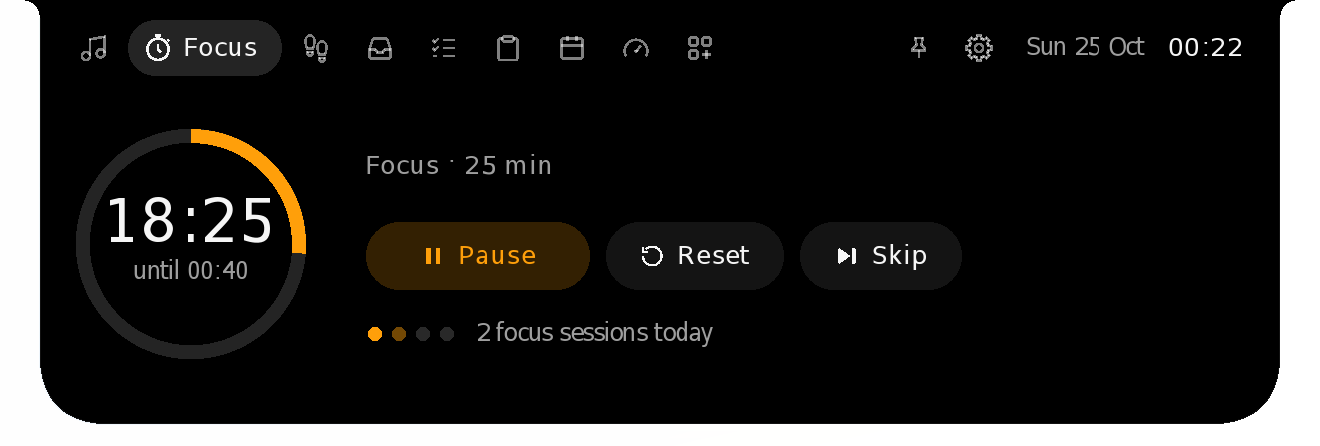
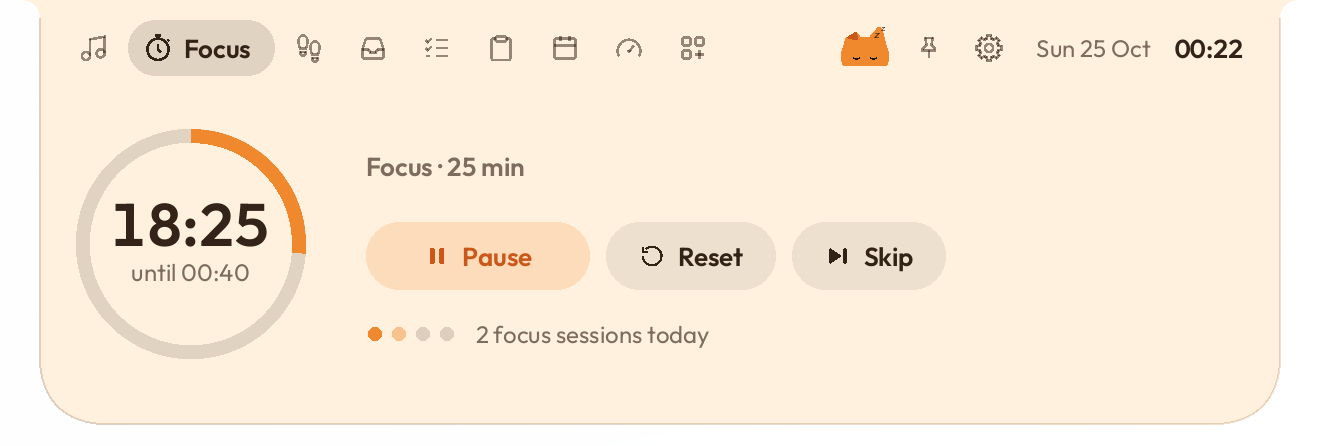
A Pomodoro timer that keeps counting in the island.

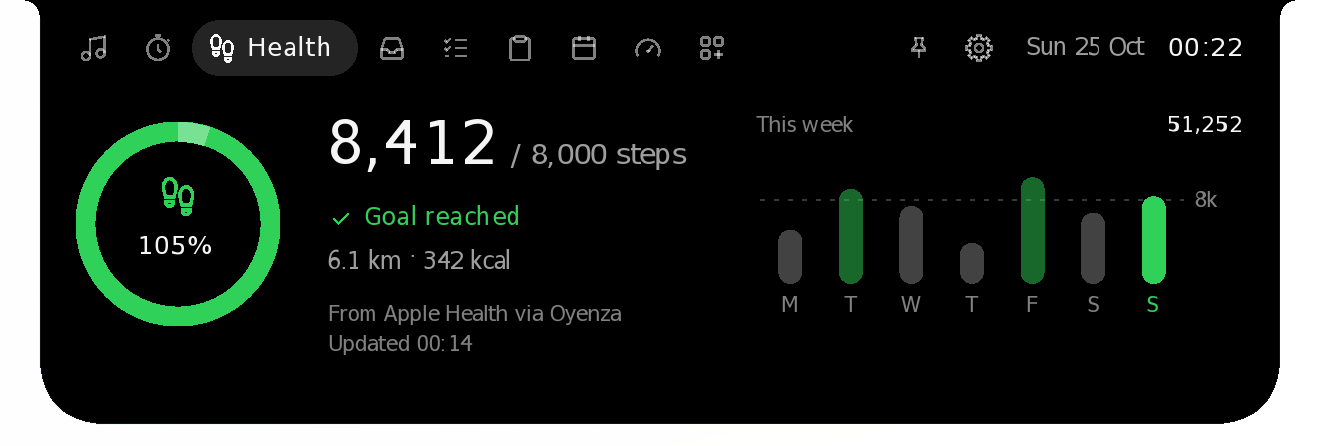
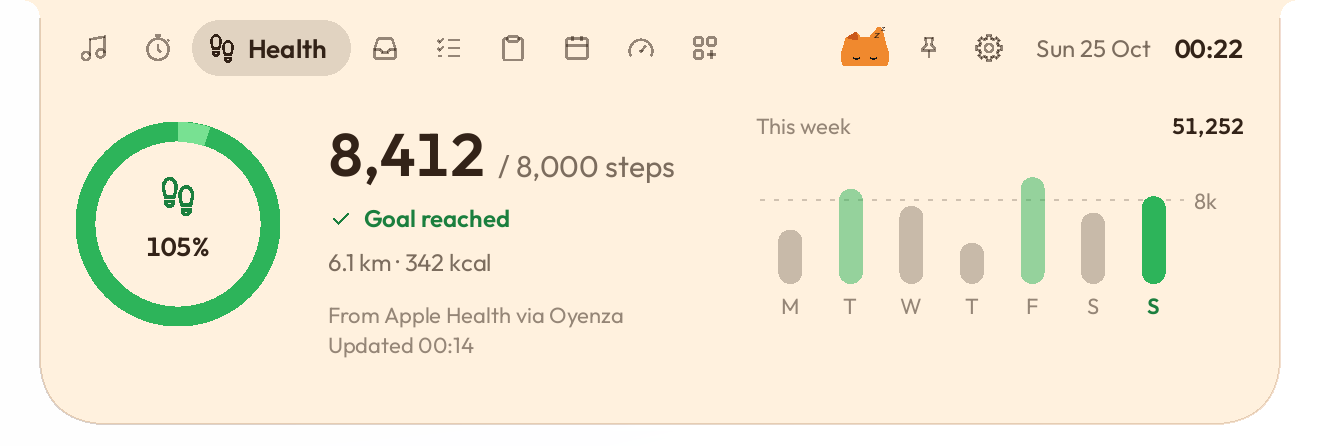
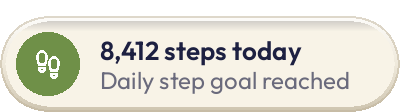
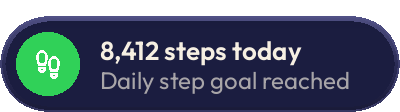
Today's steps and your week, from your phone through Oyenza. Turn on Show on Oyenza Studio under your steps in Oyenza's Health (Sehat) on your phone and they show here, with a notice when you reach your goal. An add-on: switch it on under Add-ons.

Studio Pro
Codex, Claude Code, OpenCode Go and more: what's left of each plan, and when it resets.


Each one goes only to its own service. Nothing about your usage goes to Oyenza.
Connect inference.oyenza.com with a code, and your balance and spend show beside your plans.
System
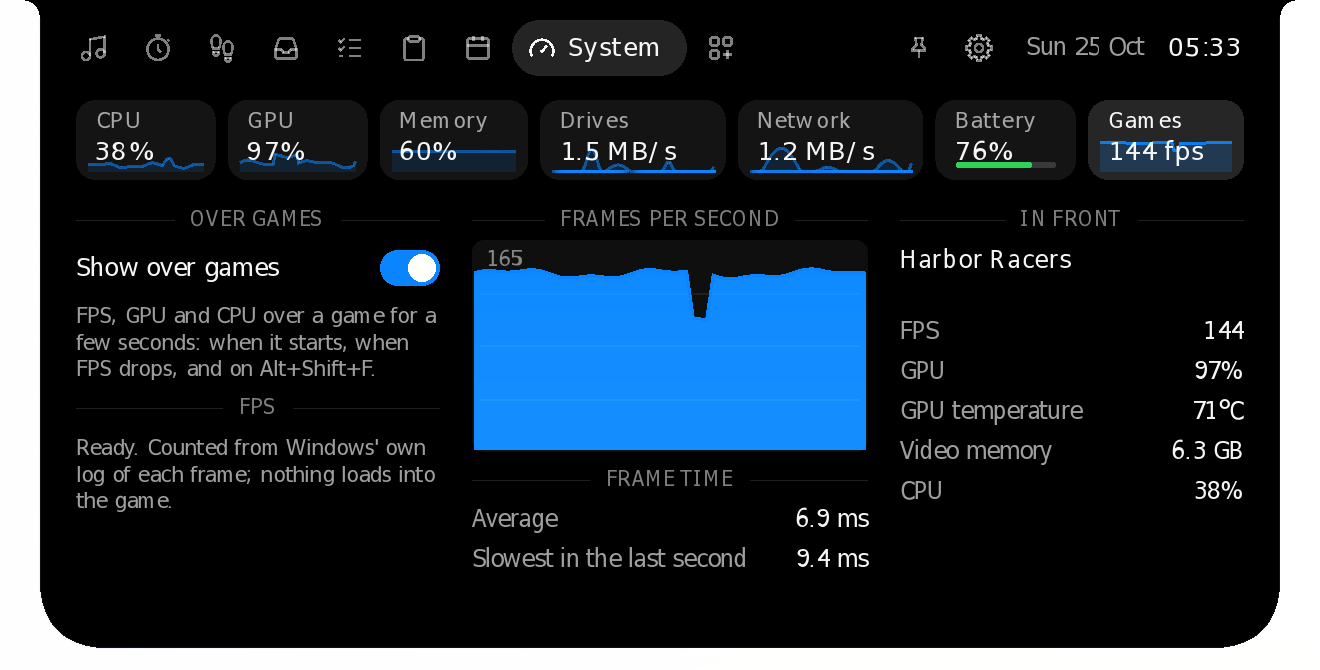
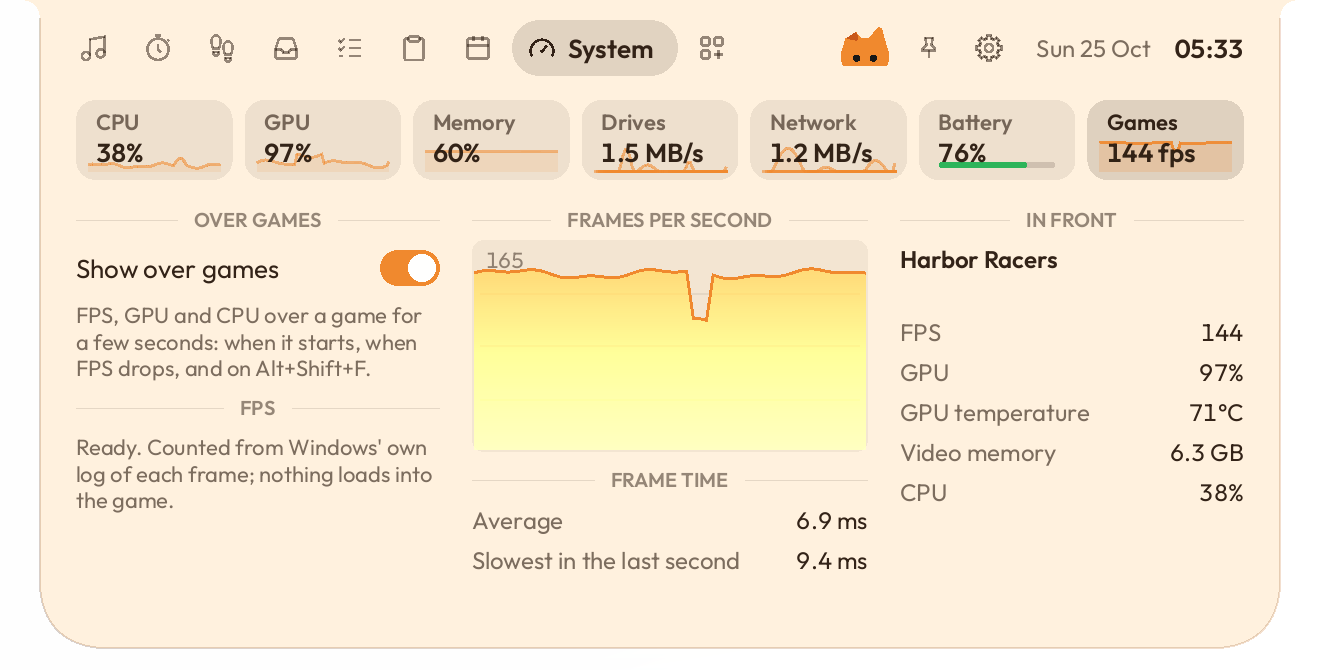
CPU, GPU, memory, drives, network and battery, and on a desktop, what the whole PC draws. An add-on: switch it on when you want it.

New in 0.2.1
What the whole PC draws: from the power supply over USB, or an estimate.


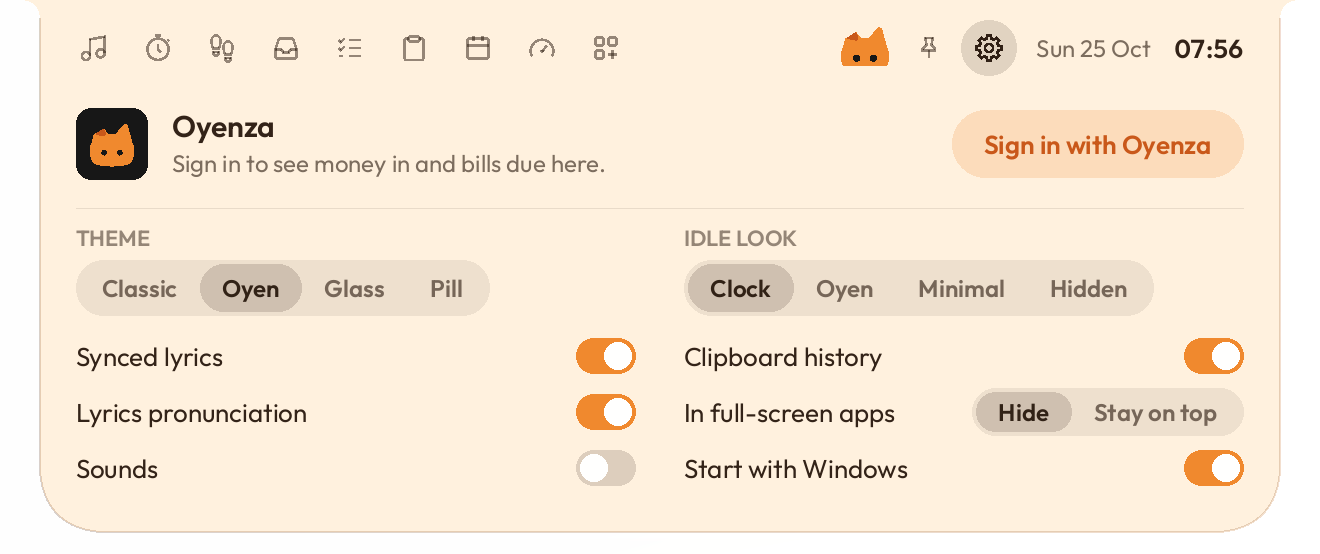
Settings
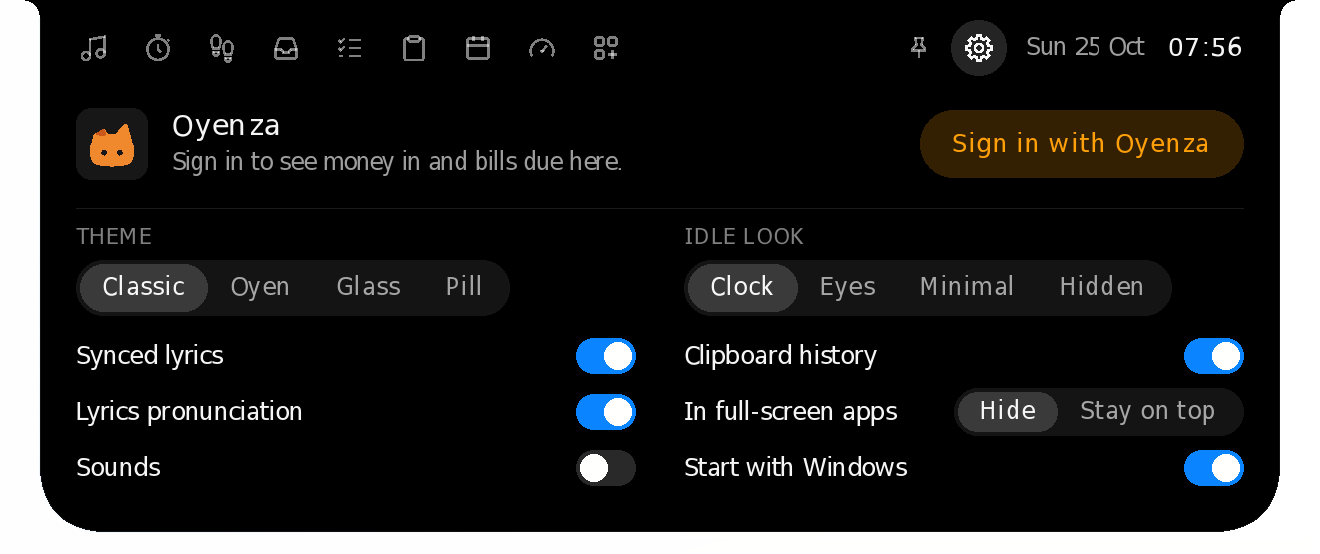
Press the gear beside the pin: Settings opens in the island, with your Oyenza account, the theme, the idle look and the switches you use most. Changes apply at once. Its last row, Advanced settings, or Advanced settings… in the menu, opens a window with every setting, light or dark like your system, that glides at your screen's own rate.
Phone drop
iPhone or Android, over your own Wi-Fi. Nothing to install on the phone.
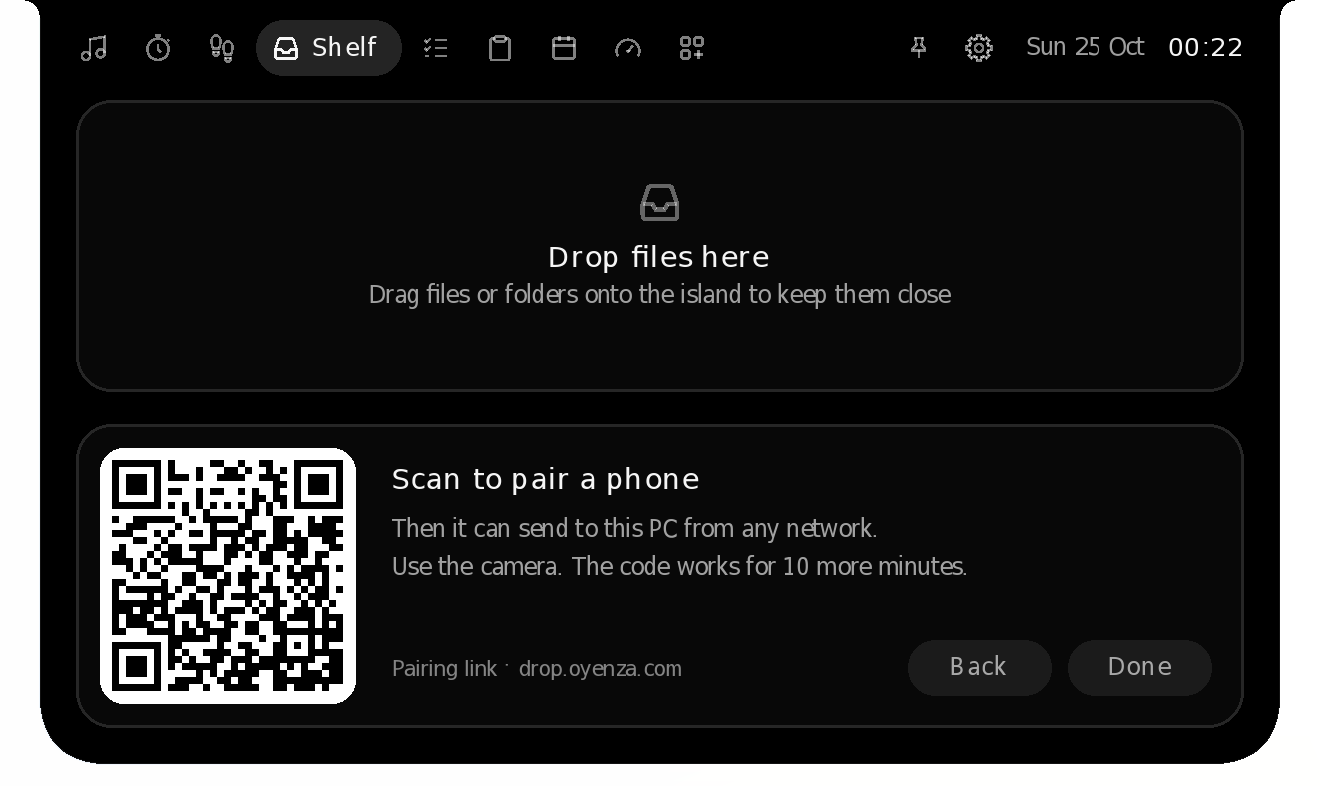
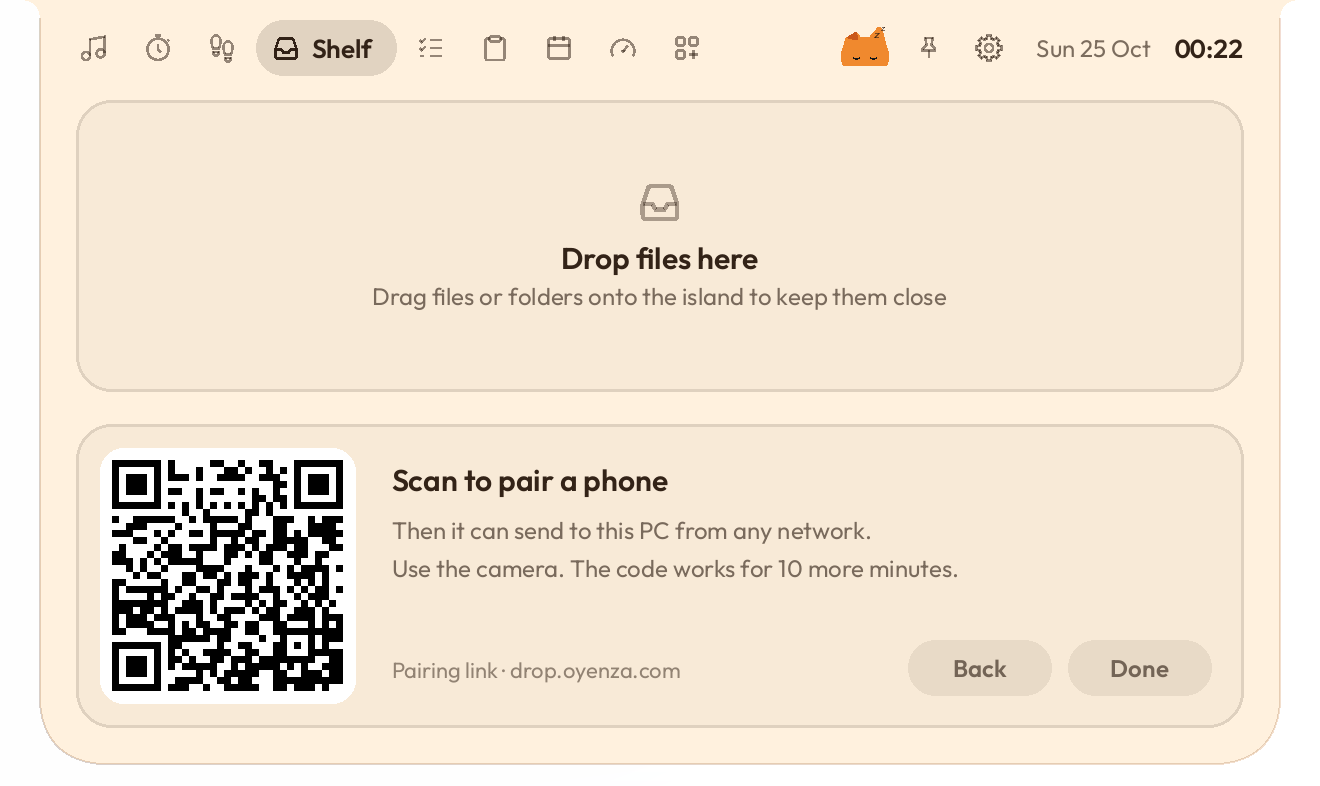
Paired phones
Pair once. Then send from any Wi-Fi or mobile data, over an encrypted link.
Prayer times
As Kemenag RI publishes them, or as Muhammadiyah does, with a live countdown, today on one arc, the Hijri date, the qibla and the adzan, on Windows and Mac. New in 0.2.28: Muhammadiyah's times and the KHGT calendar.

New in 0.2.11
The IHSG and up to 10 IDX stocks, laid out like Stocks on a Mac: the day's line, the price and the change, and a chart over a day, a month or a year.


New in 0.2.30
Add what you drink, by its shots or by the cup, and see how much is still in you, hour by hour. Last call is the latest your usual coffee can go in and leave at most 35 mg at bedtime, and the island reminds you 30 minutes before it.


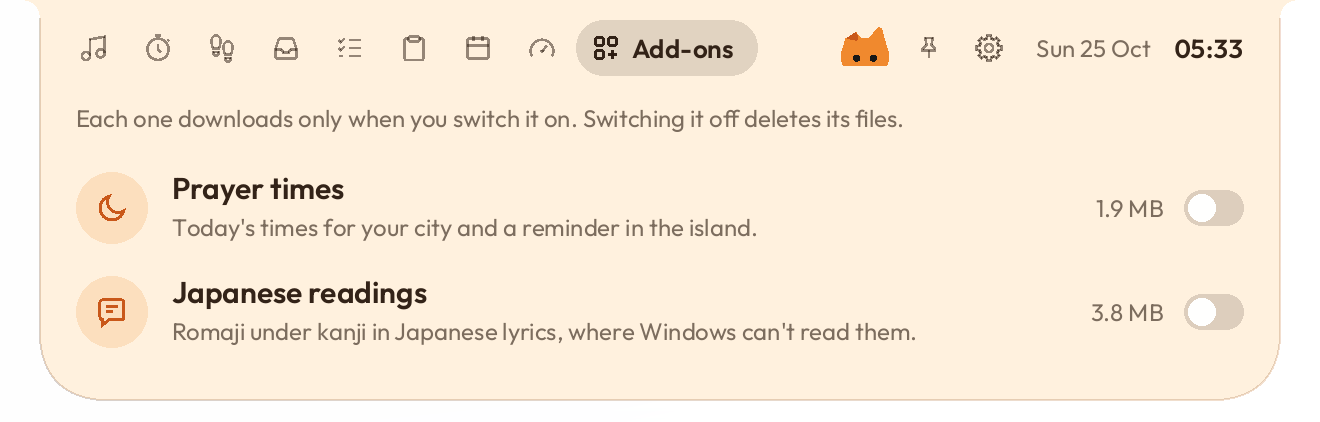
Add-ons
Each stays off until you switch it on. Downloads are checked against a fingerprint built into the app. Without Pro, a Pro add-on says what it does instead.
New in 0.2.1
Paste a script and read it right under the camera, a line at a time. On Windows, it stays out of screen shares.
Show over games
The readout stays over the game, and Alt+Shift+F hides it. Nothing is loaded into the game, so anti-cheat has nothing to see.




Stays on top
In full-screen games and videos, you choose: hide it, or keep it on top. Over maximized windows it stays where you can see it. Press it and drag it along the top edge, out of your browser's tabs: on Windows, and new in 0.2.23, on a Mac.
Classic is black and quiet. Pick another look any time.
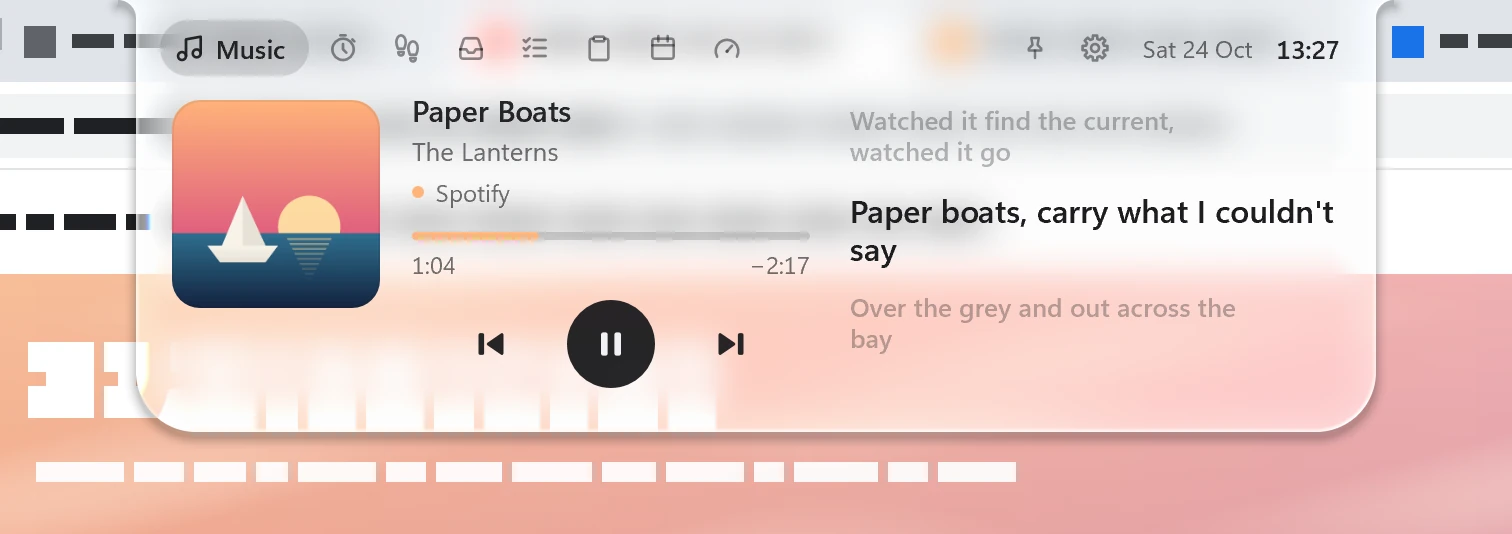
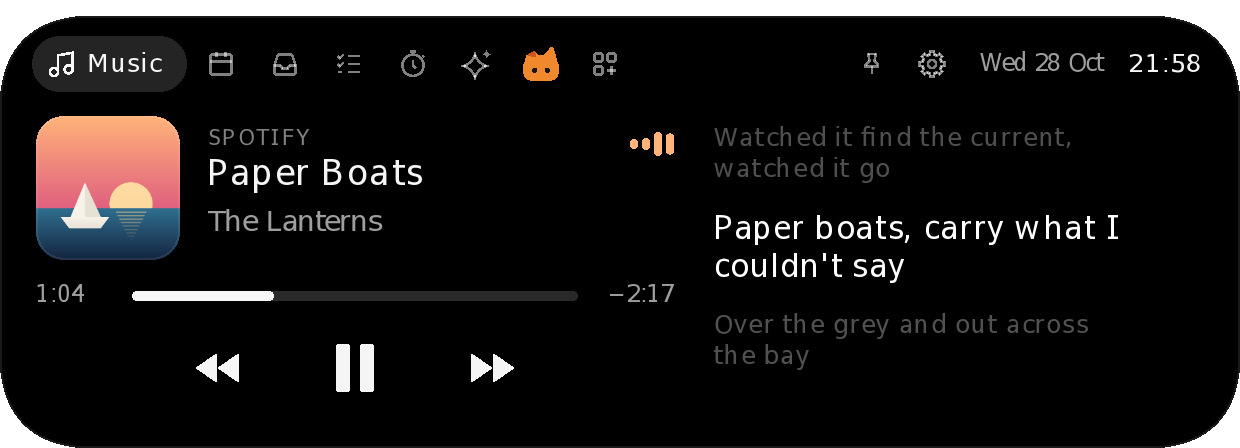

Classic. Black and quiet, the default look.
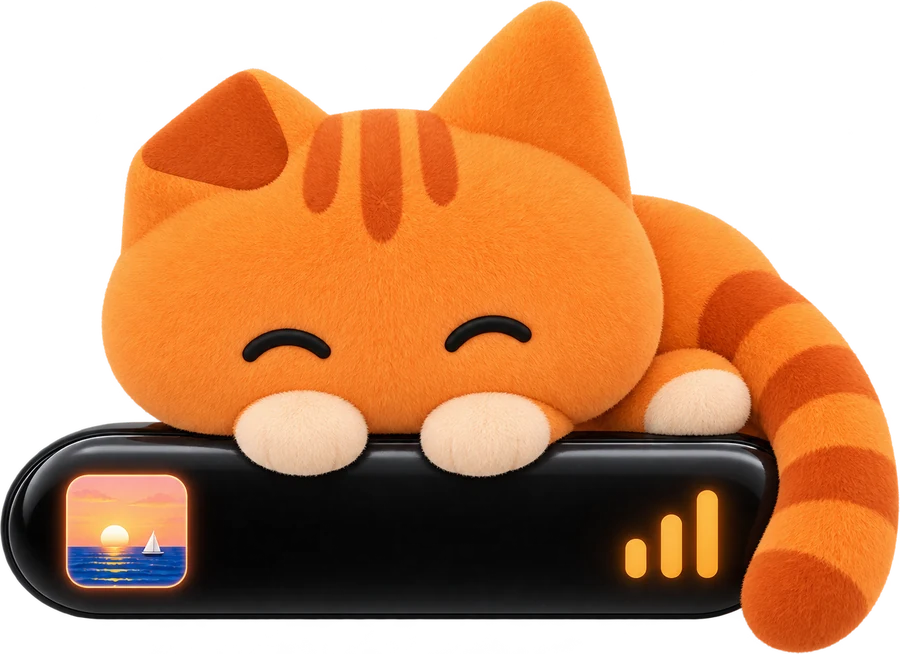
Oyen
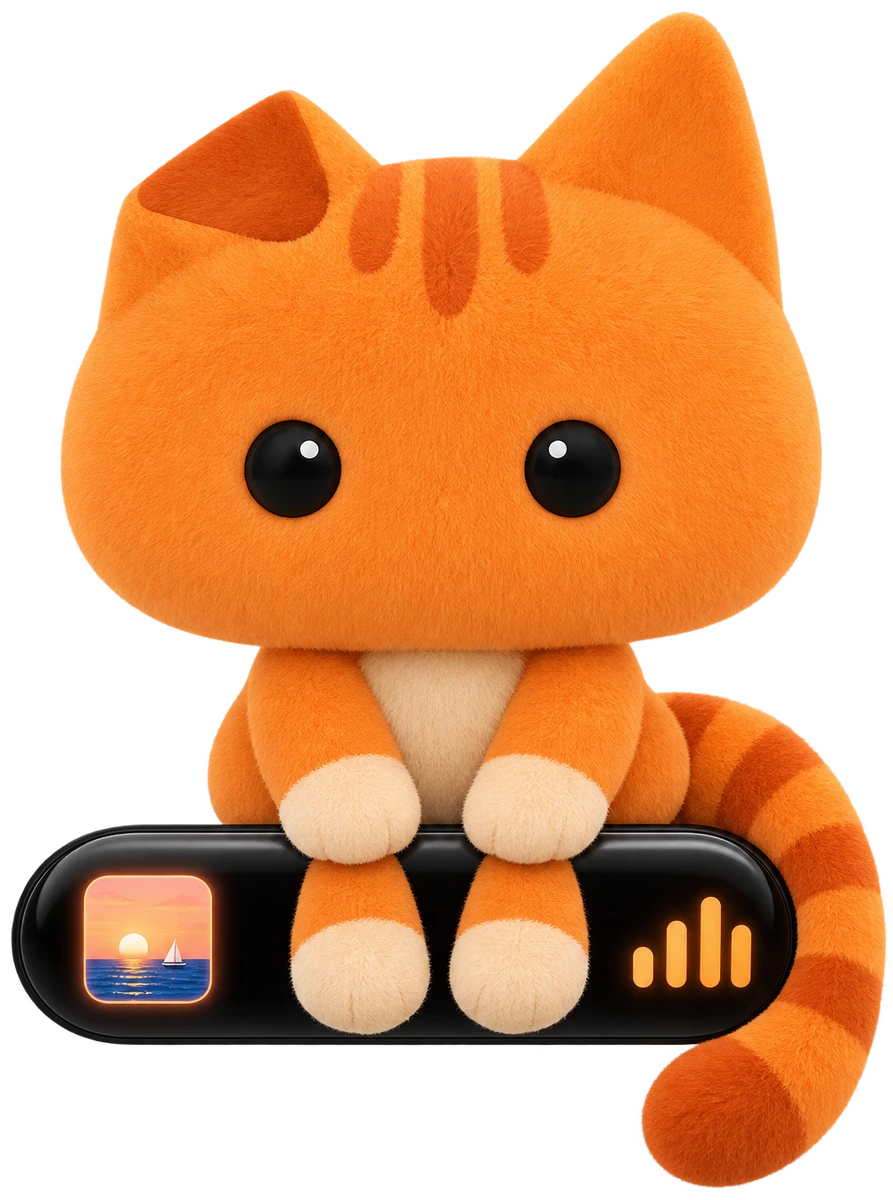
Warm cream, his orange on the controls, and Oyen peeking over the edge.


Glass
It bends what's under it, and turns light or dark with what's behind it.
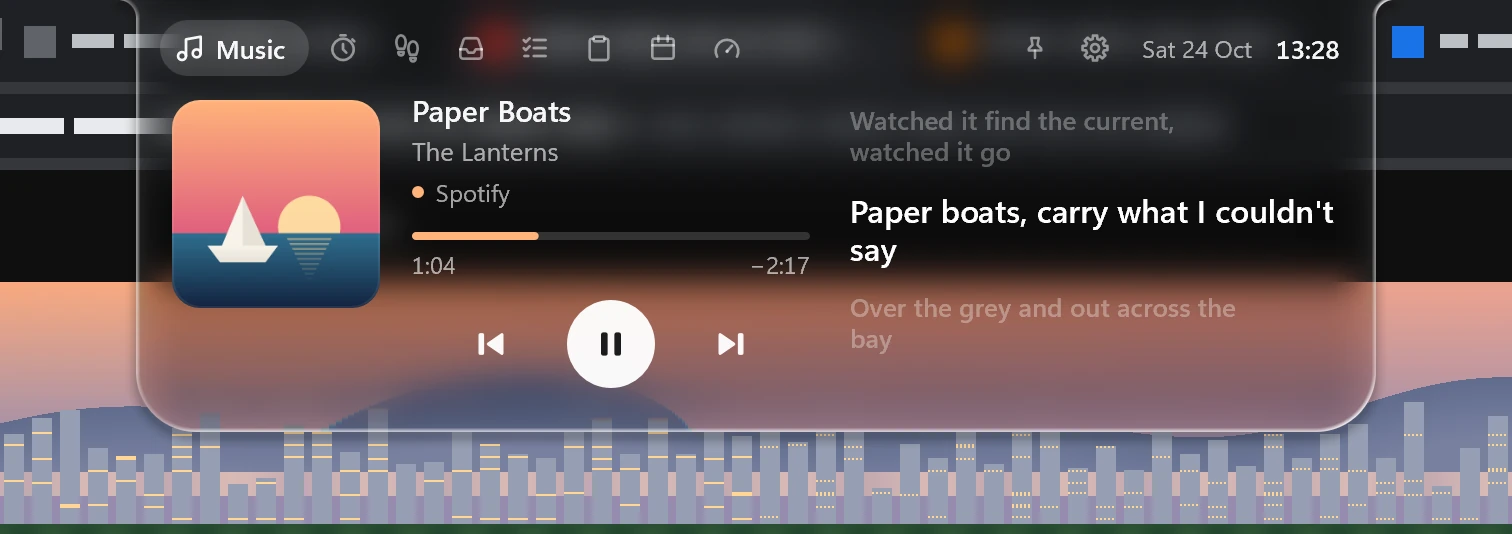
The screen copy behind the glass stays in your PC's memory. It's never saved or sent.
Pill
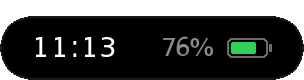
A black capsule a little below the top of the screen, with layouts of its own.


Diorama
The resting pill becomes a window onto a pixel-art house and tree, as long as a notch. Its sky follows your clock. New in 0.2.29: slide the glass ball, and the whole island matches.














Mac
What's playing sits either side of the camera. It opens down from the notch.







A few features reach the Mac later.
| Feature | Windows10 and 11 | MacmacOS 14 or later |
|---|---|---|
| Music, with synced lyrics | ||
| Readings under Korean, Japanese and Chinese lines | ||
| Focus timer and tasks | ||
| AI usage, with heads-up notices (Pro) | ||
| Shelf, with Phone drop over the same Wi-Fi | ||
| System page, an add-on | ||
| Stocks, an add-on | ||
| Caffeine, an add-on | ||
| Volume and charging pop-ups | ||
| Classic, Oyen, Glass, Pill and Diorama | ||
| Paired phones, from any network | Not yet | |
| Oyenza sign-in | ||
| Script reader | ||
| Prayer times | ||
| Show over games | Not yet | |
| Headphone pop-ups | ||
| Hiding in full-screen apps |
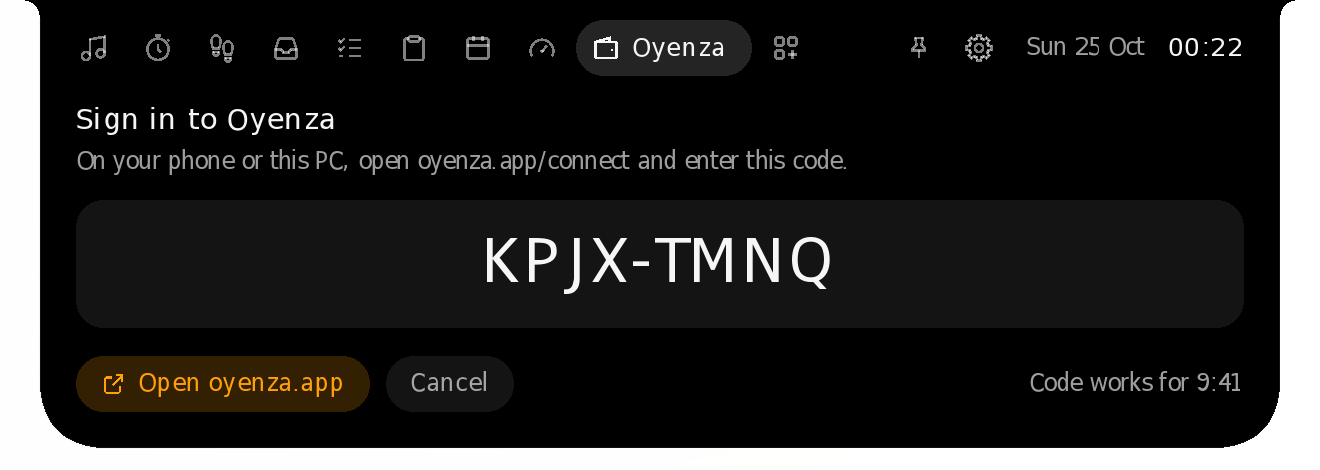
Oyenza account · Windows and Mac
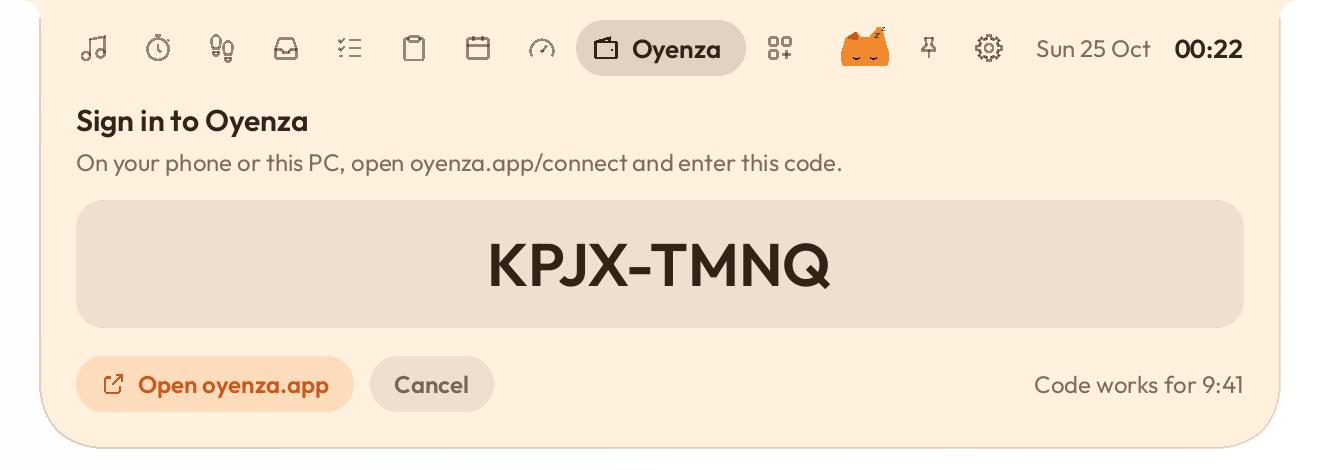
Sign in with a code, like on a TV. Money in, bills due and your last 7 days, with amounts hidden until you choose.
No sign-up, and the app tracks nothing. Your things are files in your own folder.
The meetings, flights and bills Today shows are kept in memory only, never written to disk.
Native Rust, no web view. Nothing drawn while nothing moves.
Everything else Studio does stays free, with no account. Pro brings AI usage, Meeting notes, the IELTS coach and the Downloader, for $2.99 a month or $12 a year.
$0
Everything outside Pro, on Windows and Mac. No account needed. Free and open source.
$2.99a month
Or $12 a year, which saves 67%.


On Windows 10 and 11, and macOS 14 and later (Meeting notes hears the Mac's sound on 14.2 and later). Prices in US dollars, before tax.
Free, and no card. The 7 days start the first time you switch on Pro.
Pro comes with your Oyenza account. Sign in with a code, like on a TV. Making an account is free.
If Pro ends, only AI usage, Meeting notes, IELTS and the Downloader stop. The notes and files you made stay on your computer, and everything else keeps working.
Free and open source. Coming from Oyen Poni? Updating keeps your settings.
Sent from your phone. Pick your computer below.
Studio runs on Windows and Mac, not on phones. Send yourself the link, then open it on your computer.
WhatsApp it to me Email it to me
Or type studio.oyenza.com on your computer.
Windows 10 and 11. Installs just for you.
Download for WindowsmacOS 14 or later, Apple silicon or Intel.
Download for Mac